Loading…
ON SALE
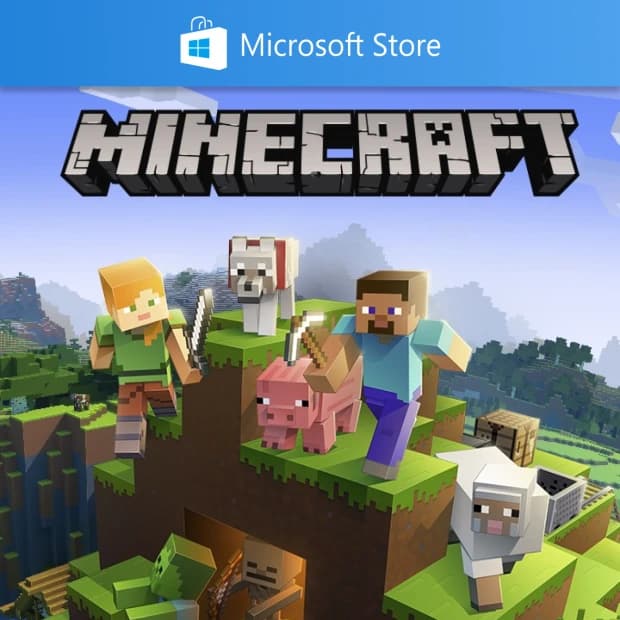
Explore the block-based sandbox world with Minecraft Java Edition on the Microsoft Store. Check PC, region, version, and activation details. This cd key is delivered to your order page after payment — enter the code and it's yours.
$19.04 instead of $26.97 (−%29)
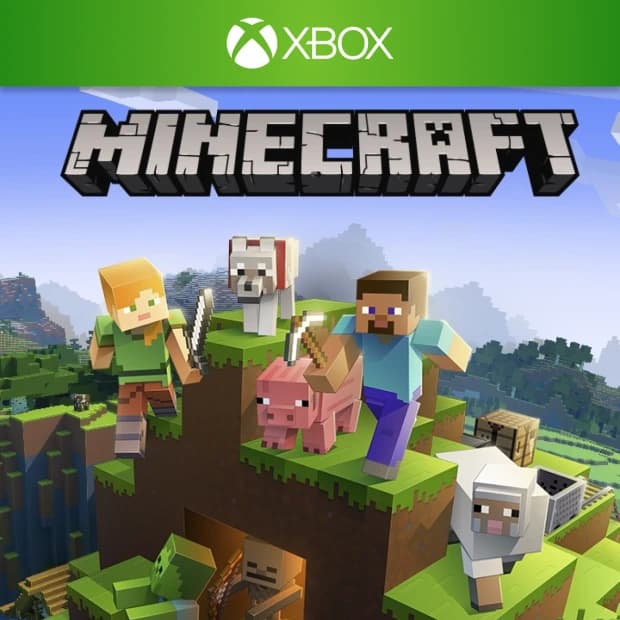
The world of Minecraft, with its giant worlds built of cube blocks, survival challenges, exploration, building, and creativity, takes a special place for PC gamers with Minecraft Java Edition on Microsoft Store. Minecraft is an open-ended sandbox game that doesn't lock you into a single goal; you can build your own house, farm, mining system, castle, or completely imaginative structures.
This product should be considered as a digital game code focused on Minecraft Java Edition. Before making a purchase, carefully checking the Microsoft Store, platform, region, version, and activation information on the product page will make it easier for you to select the right product.
Minecraft Java Edition is a block-based sandbox game developed by Mojang Studios and published under the Microsoft umbrella. The world in the game is shaped with different biomes, resources, creatures, caves, villages, and discoverable areas. Each new world offers a different start; therefore, the Minecraft experience largely progresses based on how you want to play.
You can gather resources and defend against dangers that emerge at night in the survival mode, or design large structures, machines, cities, or purely aesthetic projects with unlimited blocks in creative mode. The Java Edition stands out among PC gamers especially with mods, custom servers, and community-generated content.
Minecraft does not follow a traditional linear storyline. Instead, it leaves you in a living world where you can create your own story. Surviving the first night, crafting your first diamond gear, venturing into the Nether, reaching the End, or building a massive base are all dependent on your gameplay style.
The atmosphere carries a strong sense of exploration under the simple-looking block visuals. While peacefully gathering resources in the daytime, you may encounter zombies, skeletons, creepers, and other dangers at night. Venturing into caves presents riskier but more valuable resources. This cycle makes the Minecraft Java Edition experience both relaxing and immersive.
Minecraft Java Edition is suitable for players who do not want to be limited to a single gameplay style. If you enjoy using your creativity, want to build your own world, seek a long-term PC gaming experience, or are interested in server-based gameplay with friends, this game is a strong choice.
The action pace is entirely up to you. You can progress in a calm manner focusing on farming and building, or choose a riskier gameplay style with challenging cave exploration, boss encounters, and survival struggles.
Since the product name includes Minecraft Java Edition – Microsoft Store, you should especially check the platform section before making a purchase. If the product page includes information such as Microsoft Store, PC, Java Edition, region, and account requirements, these details determine how the product will be used.
Java Edition is generally associated with PC gamers; however, the platform, region, and activation method where each digital code is valid can vary according to the information on the product page. Therefore, it is important to check whether the product will be used through Microsoft Store, with a Microsoft account, or through a different activation flow before making a purchase.
CD-Key is a digital game code used to activate the game on the relevant platform. When accessing the digital code details for Minecraft Java Edition on Microsoft Store, you should review how the code will be activated on which platform and by which method based on the descriptions on the product page.
Choosing a digital product without the need for a physical box or waiting for shipping helps you expand your game library conveniently. However, checking the platform, region, version, and activation information to choose the right product is always the safest step.
When evaluating the Minecraft Java Edition Microsoft Store digital code, you can add the right version to your library by first clarifying the game experience, then the platform and activation details.
Buyers of this product can leave a review; the first one will show up here.