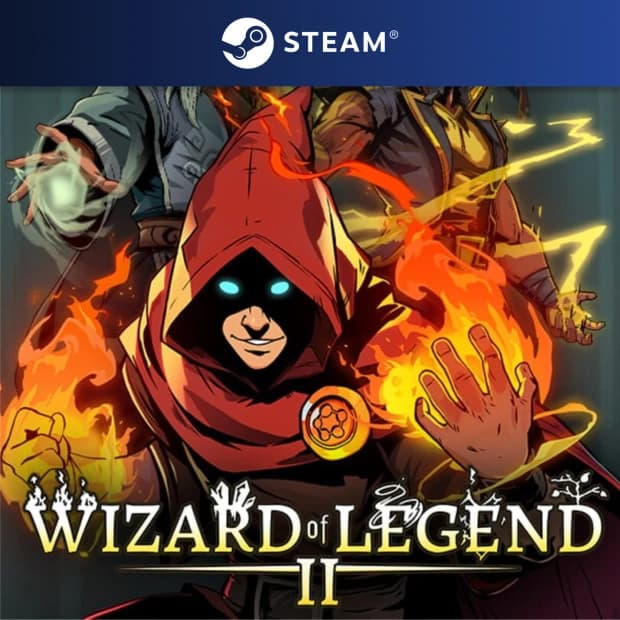
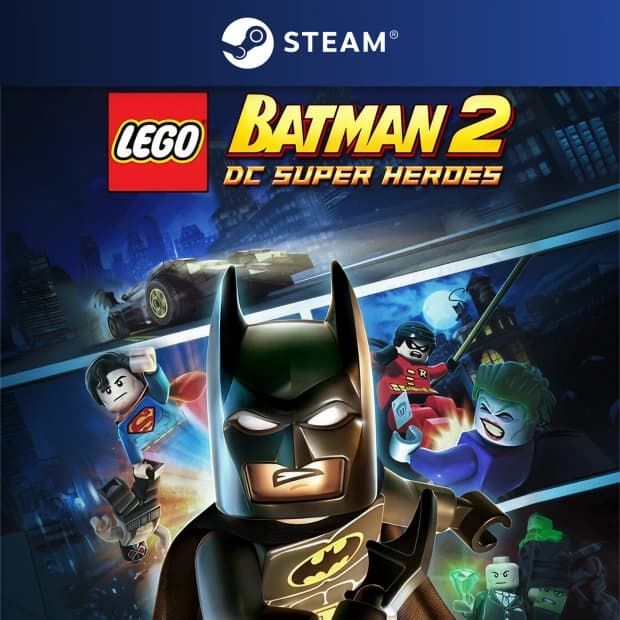
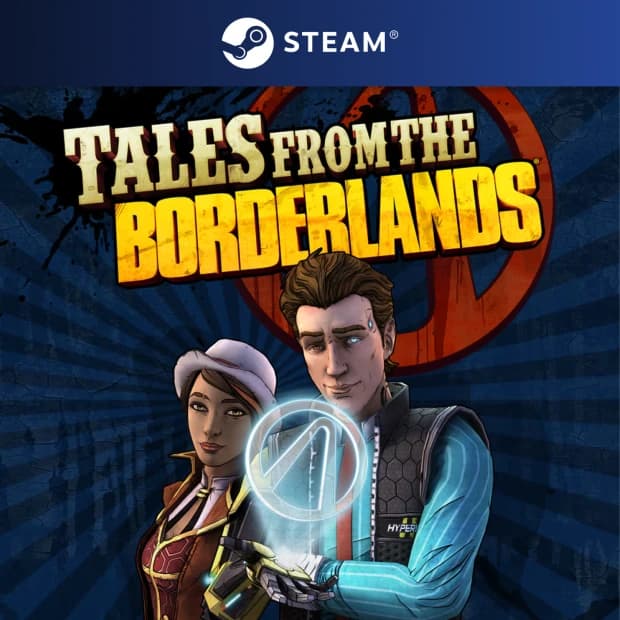
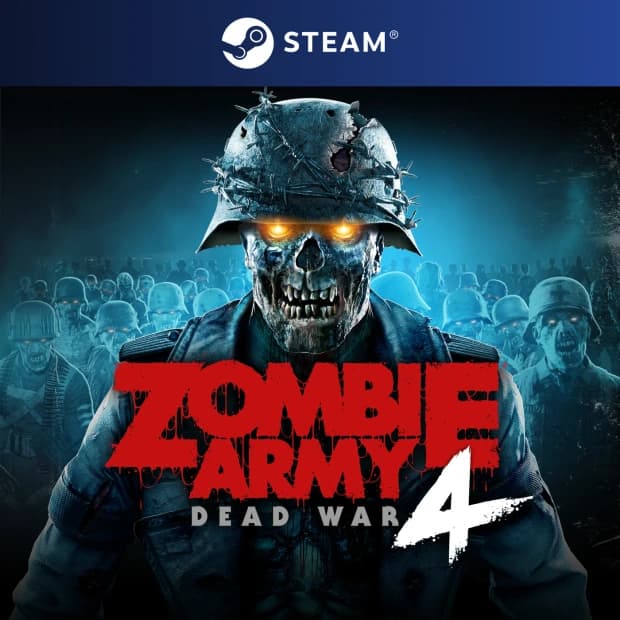
What Can You Find in This Category?
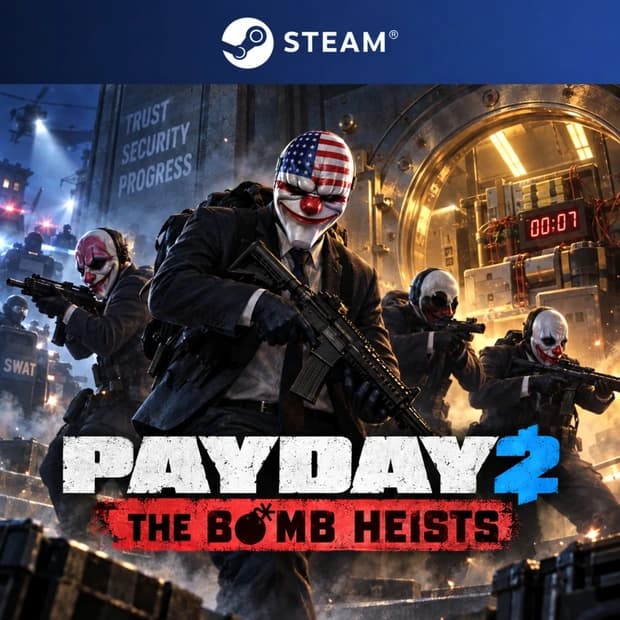
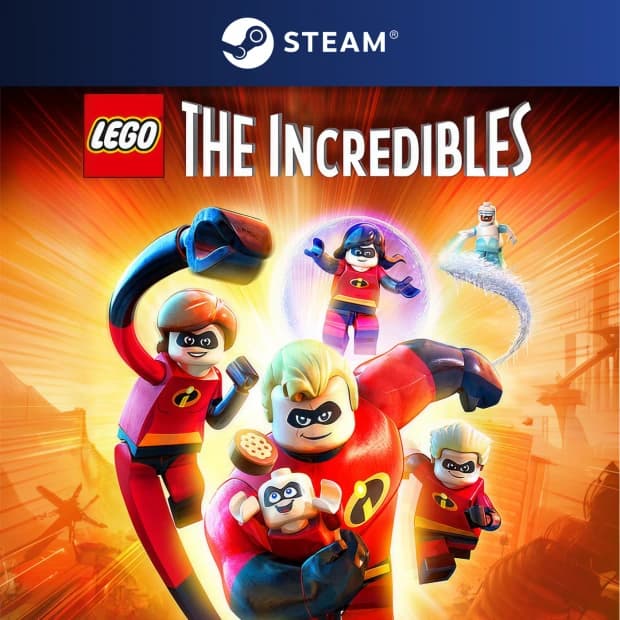
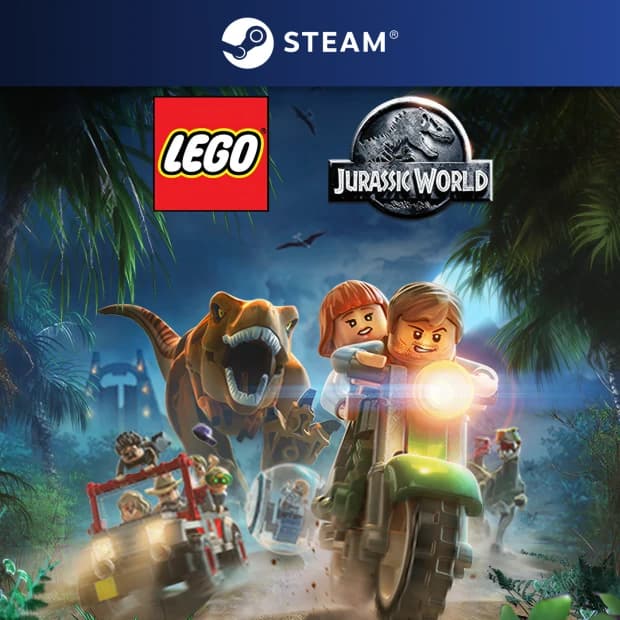
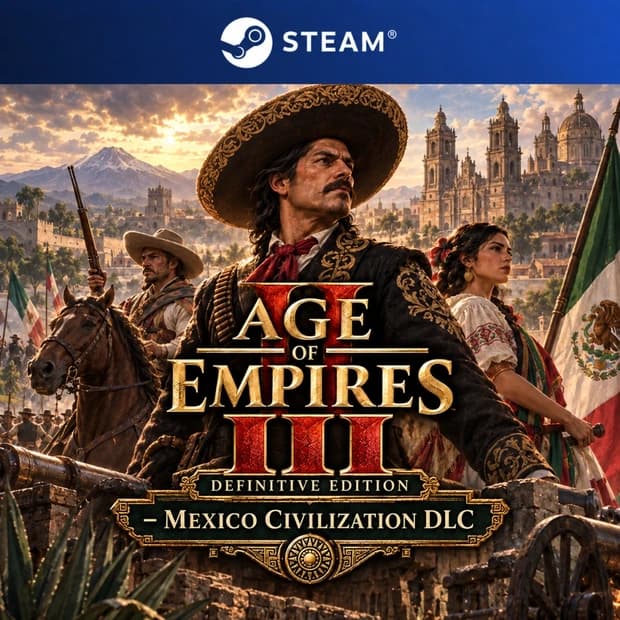
The Steam Games category features digital game products that can be used on Steam. Depending on the product details, you may find standard games, different versions, DLC content, or bundle options. It's important to carefully check the information on the product page before making a purchase as the scope of each product may vary.
- PC game codes that can be activated on the Steam platform
- Single-player and multiplayer game options in different genres
- Standard, special, or expanded version options varying by game
- DLC, additional content, or game bundle products
- Current PC games suitable for expanding your digital game library
What Does Steam Key and Digital Code Mean?
Steam Key is a digital game code used to activate the relevant game on your Steam account. You can follow the process of adding the game to your Steam library using the digital code information provided in the product details without waiting for a physical box or delivery.
Not all Steam Keys are the same. Some products may only be valid in specific regions, while others may include certain versions or additional content. Therefore, when choosing a Steam game, consider the product name, platform, region, activation method, and version details together.
Advantages of the Steam Games Category
- Digital access: Offers a practical shopping experience focused on digital game codes without waiting for physical products.
- Platform clarity: Helps differentiate products valid for Steam for easier PC game selection.
- Wide genre selection: Allows you to explore different game styles from story-driven titles to competitive multiplayer games.
- Library management: Assists in consolidating your games under a single digital library on Steam.
- Pre-purchase checks: By reviewing platform, region, and version details, it can reduce the risk of selecting the wrong product.
Who Is It Suitable For?
The Steam Games category is suitable for gamers who prefer gaming on PC and want to manage their games in the Steam library. Whether you enjoy keeping up with new releases, exploring indie titles, joining multiplayer games with friends, or focusing on single-player story experiences, you can find different options in this category.
If you are specifically looking for a game's Steam version, the title and description information on the product page are especially important. Since the same game may have different platform, region, or version options, you should check if the product is indeed valid for Steam.
What to Check Before Making a Purchase?
- Platform: Make sure the product is valid for Steam.
- Region information: Check if the code can be used in your region from the product details.
- Version and content: Pay attention to distinctions between standard games, Deluxe Edition, Ultimate Edition, DLC, or bundle content.
- Activation method: Verify if the product can be activated through Steam or a different method.
- System requirements: Check if the game is compatible with your PC hardware.
- Language and content information: Review descriptions on the product page if in-game language, subtitles, or additional content details are important to you.
A Quick Guide to Choosing the Right Steam Game
If you enjoy competitive games, you may lean towards multiplayer FPS, MOBA, or online action games. For a more relaxed and immersive experience, RPGs, strategy games, simulations, or story-driven games may be more suitable. Indie games offer a strong choice for creative productions that can be played in a short time.
When making a selection in the Steam Games category, pay attention not only to the game but also to the type of product. A product can be a full game, an expansion pack, DLC, or a special edition. By choosing the right product, you can develop your Steam library according to your gaming style more clearly and securely.
When selecting a digital game code for Steam, by checking the platform, region, version, and activation details on the product page, you can consciously add the most suitable PC game to your library.