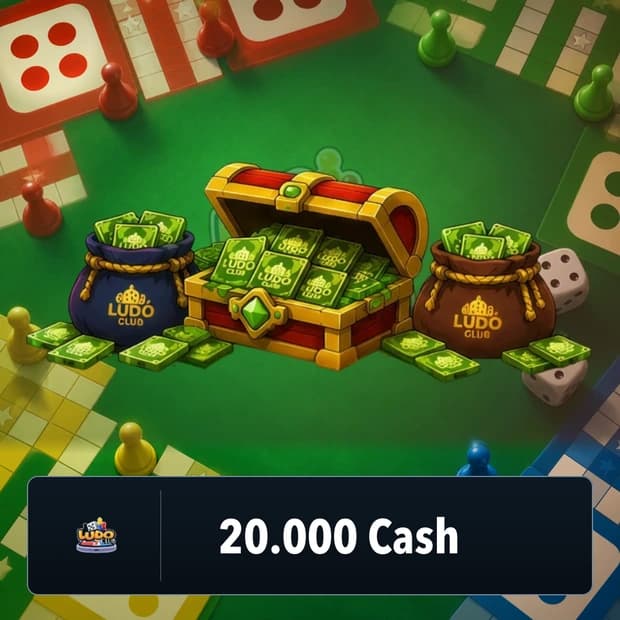
What Is Ludo Club Coin Used For?
Ludo Club Coin is one of the game’s main in-game resources. Players can increase their Coin balance and benefit from various options offered within Ludo Club’s current economy system.
Coin can also be earned through different reward systems in the game. Systems such as Daily Bonus and Lucky Dice may help players increase their Coin balances.
- Can be used in Ludo Club’s in-game economy system.
- Allows players to benefit from current options in the game that require Coin.
- Additional Coin can be earned from systems such as Daily Bonus and Lucky Dice.
- Helps regular players manage their Coin balances.
- The current balance can be increased with Coin packages in different amounts.
Since Coin usage areas may change with updates, it is useful to check the required amount for a specific store item or in-game option directly in the game.
What Is Ludo Club Gem Used For?
Ludo Club Gem is one of the in-game values used in the game’s premium economy system. Gem can be used to access various premium store and in-game options offered in Ludo Club.
The exact usage areas of Gem may vary depending on the current version of the game. Since store, event, and customization options may be updated over time, the best approach is to check the current in-game usage conditions before purchasing a specific item or feature.
- Can be used for premium in-game options.
- May help players benefit from the game’s current store content.
- Can be used for available premium options offered during seasonal events.
- The current in-game balance can be increased with Gem packages in different amounts.
What Should You Pay Attention to When Buying Ludo Club Gem and Coin?
Before buying Ludo Club Gem or Coin, you should make sure that the product is listed for the correct game and that the package you selected contains the correct in-game currency.
For top-up products, information related to the game account, such as Ludo Club ID / Player ID, may usually be required for delivery. Entering this information correctly is important to ensure that the purchased Gem or Coin is credited to the correct account.
- Make sure the product is valid for Ludo Club.
- Check whether the product you are buying is Gem or Coin.
- Verify the total amount included in the package.
- Enter the Ludo Club ID / Player ID correctly if requested.
- Review the delivery method and the terms in the product description.
- Take region or account restrictions into account only if they are stated on the product page.
- When necessary, check the current store in the game for Gem and Coin usage areas.
Ludo Club Gem and Coin on Itemgold
Through Itemgold, you can review the buy Ludo Club Gem and Coin options and choose the in-game currency and package amount that suits your needs.
If you want to increase your Coin balance or benefit from premium in-game options offered through Gem, you can compare the amount and delivery information on the product page.
During purchase, it is important to enter the Ludo Club ID / Player ID correctly depending on the product’s delivery method. Gem or Coin products may be offered as top-up products for the game account, unlike traditional Steam Keys or console activation codes.
If any issues occur, you can get help from the Itemgold support team regarding the purchase and delivery process.