What Can You Buy with Free Fire Diamonds?
The exact store selection changes as Garena introduces new events, collaborations, and seasonal collections. Depending on current availability, Diamonds can be used for:
- Character unlocks and selected character-related content
- Outfits, fashion bundles, and themed cosmetic sets
- Weapon skins and other visual customization options
- Pets, emotes, and selected profile customization items
- Luck Royale spins and limited-time event participation
- Booyah Pass upgrades and eligible premium rewards
- Bundles and special offers listed in the in-game store
Diamonds mainly expand customization and event access. They do not automatically improve player skill, aiming, positioning, or match strategy. Before choosing an amount, check the current in-game prices for the skin, bundle, pass, or event you want.
Choosing a Diamond Amount
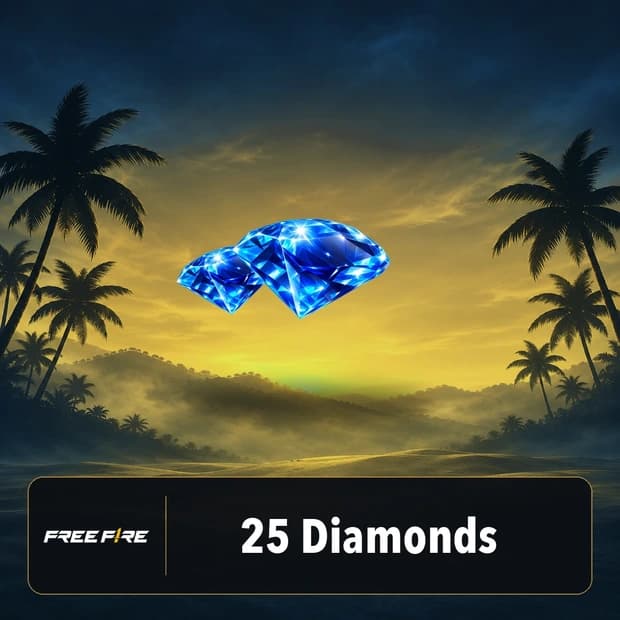
Smaller Diamond packages can suit occasional purchases such as individual cosmetics or limited event entries. Larger packages may be more convenient for players planning to unlock a pass, collect a complete bundle, or participate in several store events. Since prices and available rewards can change, compare the package amount with the live Free Fire store before ordering.
Europe Region and Account Compatibility
This category is intended for the Europe region. Confirm that your Free Fire account, server, and requested account details are compatible with the selected product. Do not choose a regional package solely because you are physically located in Europe; the region connected to the game account is the important detail.
Enter the requested Player ID or account information carefully. An incorrect ID or incompatible region may delay or prevent delivery and can affect refund eligibility. Never provide your account password unless a clearly stated and legitimate delivery method requires account access; Player ID top-ups generally use the identifier shown in the game.
Buy Free Fire Diamonds Through Itemgold
You can compare available Free Fire Diamond Top-Up Europe packages on Itemgold and select the amount that matches your in-game plans. Review the Diamond quantity, delivery method, estimated delivery information, region requirements, and any account instructions shown on the product page before purchasing.
After delivery, open Free Fire and verify the updated Diamond balance before spending it. If the balance does not appear within the stated delivery period, keep the order details available and contact the Itemgold support team for assistance.