What Can You Buy With PlayStation Wallet Credit?
Wallet credit gives players flexibility because it is not tied to one game. Depending on current store availability, account eligibility and the selected denomination, the balance can be used across several types of digital content:
- Digital games: Buy eligible PS5 and PS4 titles directly from PlayStation Store.
- Add-ons and DLC: Expand supported games with new missions, maps, characters, cosmetic packs or other downloadable content.
- PlayStation Plus: Use eligible wallet funds toward an available PlayStation Plus membership plan.
- Virtual currency: Purchase supported in-game balances such as V-Bucks, EA SPORTS FC Points or Call of Duty Points through PlayStation Store.
- Pre-orders: Reserve eligible upcoming digital releases and, where supported, prepare them for launch through pre-loading.
- Seasonal promotions: Spend the balance during current PlayStation Store sales when an eligible game or add-on is discounted.
Store content, prices and availability can vary by account region and may change over time. Check the live PlayStation Store price before choosing a gift card value, especially when you plan to buy a specific game, subscription or currency pack.
How Does The Digital Code Work?
After purchase and delivery, sign in to the compatible PlayStation account and open the Redeem Code option. PlayStation gift card codes use 12 digits and can be redeemed through a supported PlayStation console, PlayStation App or web browser. Review the displayed value and account before confirming. Each code is for one-time use, so it should be stored privately and never shared publicly.
The code adds wallet credit rather than delivering a physical card, console, accessory or game disc. It also does not automatically grant a particular game or membership; the account holder chooses eligible digital products after the credit has been applied.
Account Region And Age Requirements
Region matching is the most important pre-purchase check. Confirm that the receiving PlayStation account is registered to Lebanon and that the denomination and currency shown on the Itemgold product page are suitable for that account. Codes are country-specific unless the code terms explicitly state otherwise.
PlayStation wallet top-up codes are redeemable by adult account holders aged 18 or older under the applicable voucher terms. A family manager can allow a child family member to spend from the family manager wallet and set a monthly spending limit. Content may also carry age ratings or additional usage restrictions.
Choosing The Right Option On Itemgold
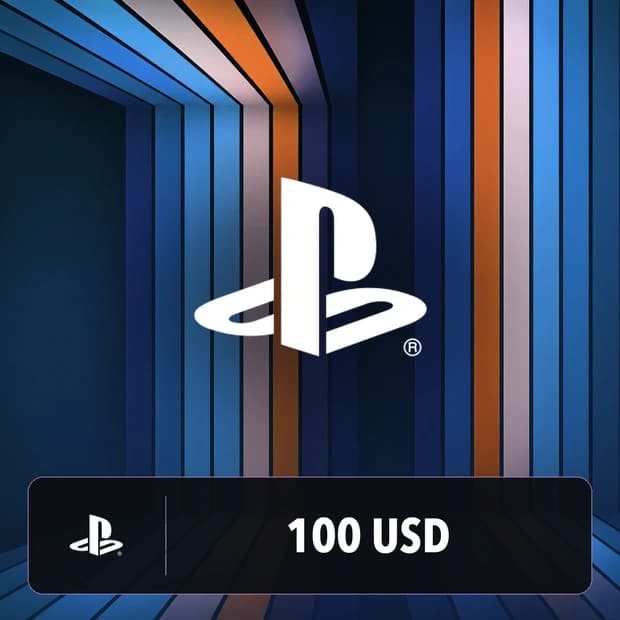
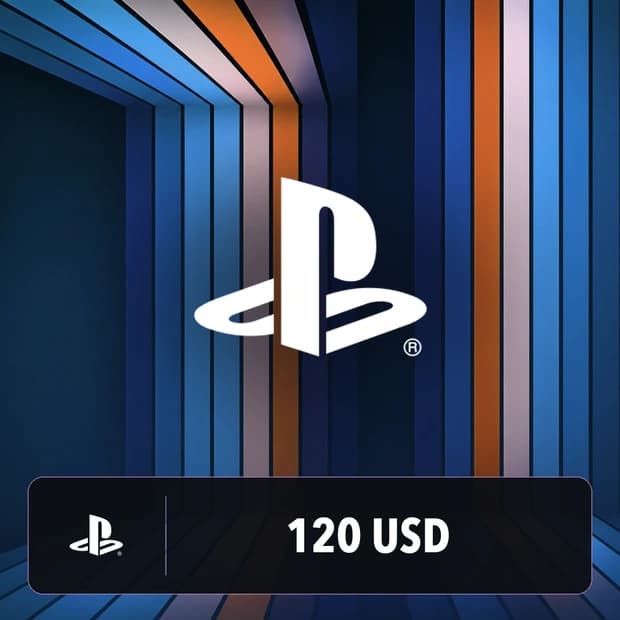
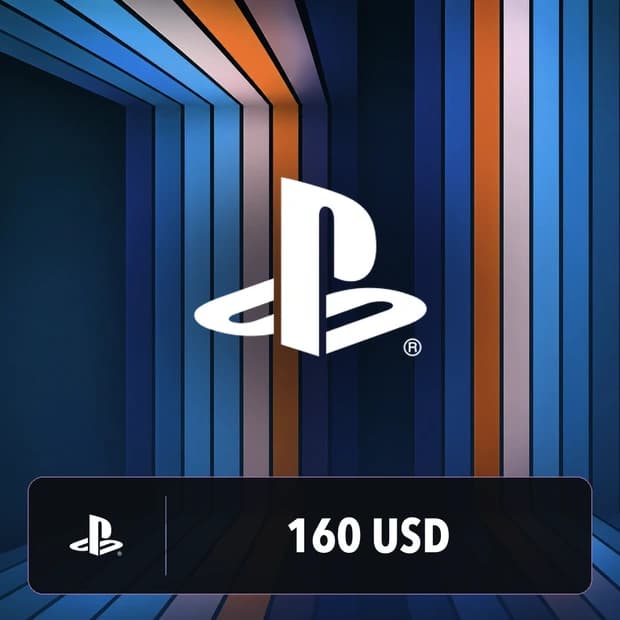
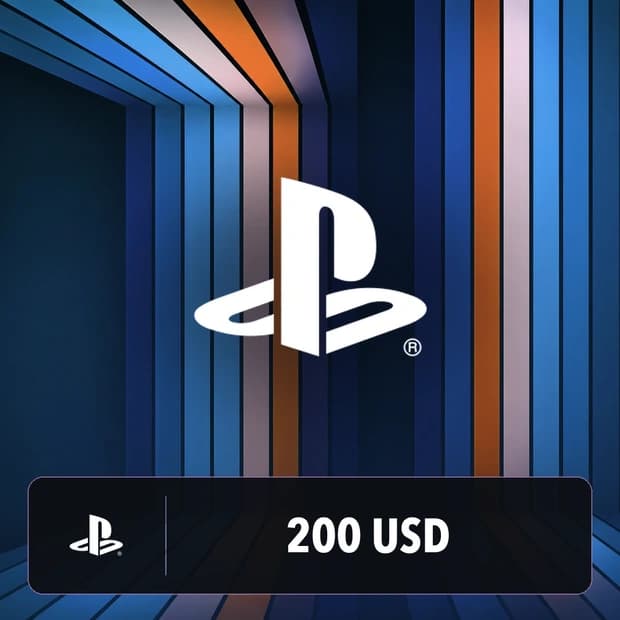
Compare the available values with the current price of the content you want. A smaller amount may suit an add-on or virtual currency purchase, while a larger amount may be more useful for a full game, several items or a subscription. Wallet credit does not guarantee that one card will cover a particular product, so check the total price before ordering.
Before you buy PlayStation Gift Card Lebanon on Itemgold, review the denomination, listed currency, code country, delivery information and any seller-specific conditions on the product page. Choosing the wrong region can prevent redemption and may affect refund eligibility. If a delivery or order issue occurs, the Itemgold support team can help you review the order details.
Important Purchase Checklist
- Confirm that the PlayStation account country or region is Lebanon.
- Check the denomination and currency shown on the selected product page.
- Make sure the intended game, add-on, subscription or virtual currency is available on that account.
- Review delivery details before placing the order.
- Redeem the code only on the intended account and keep it private.
- Remember that the balance applies to eligible digital PlayStation Store content, not physical hardware or merchandise.