What Can You Buy With Nintendo eShop Balance?
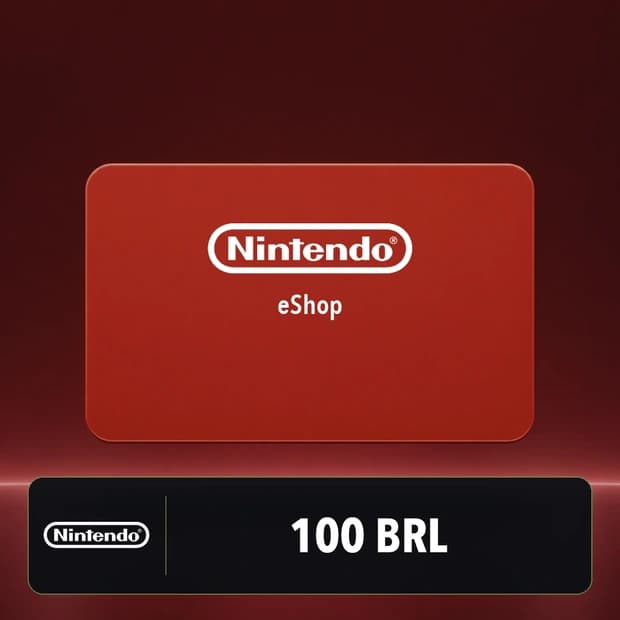
Once redeemed, the funds become wallet balance on the receiving Nintendo Account. Depending on what is currently offered in Brazil, that balance can support purchases such as:
- Full digital games for compatible Nintendo systems.
- Downloadable content and expansion content.
- Eligible upgrade packs, bundles, and other digital extras.
- Discounted titles during Nintendo eShop sales.
A gift card is not a game key and does not automatically grant a named title, add-on, or membership. If your planned purchase costs more than the available balance, review the checkout options shown by Nintendo. If it costs less, the unused amount remains in the account wallet for another eligible purchase.
Brazil Account And Platform Compatibility
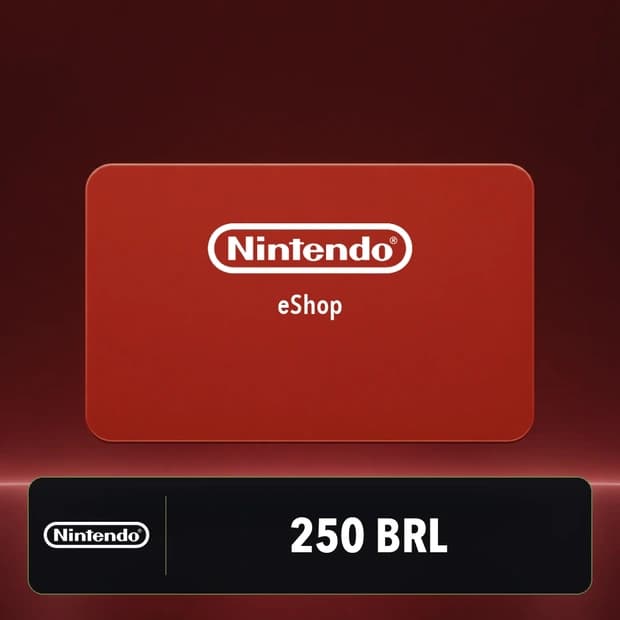
Country compatibility is the most important check. Nintendo eShop cards are country-specific, so a Brazil code is intended for a Nintendo Account set to Brazil and for use in the Brazilian Nintendo eShop. It should not be treated as a global code or as credit for another country's store.
Nintendo supports prepaid-funds code redemption through Nintendo eShop on Nintendo Switch 2 and Nintendo Switch systems. Before ordering, confirm that the receiving account can access the Brazilian store, that the selected value is shown in BRL, and that the intended game or add-on is available for the correct system.
How To Redeem A Brazil Digital Code
Use the account that should keep and spend the balance. On a compatible console, follow these steps:
- Connect the console to the internet and open Nintendo eShop from the HOME Menu.
- Select the Nintendo Account that will receive the funds.
- Choose Enter Code from the left side of the screen.
- Enter the 16-character prepaid code and select OK.
- Review the account and value, then select Confirm and Add.
Check every detail before confirming. Redeemed funds are tied to the receiving Nintendo Account, and an incorrect country setting can prevent the code from being accepted.
Choosing A Nintendo eShop Brazil Card On Itemgold
Start with the current price of the content you want, then compare the available BRL values on the Itemgold product page. A smaller value may be suitable for an add-on or sale purchase, while a larger value can provide more wallet balance for a full game or several eligible items. Do not assume that one value covers a particular title without checking its live price.
Before you buy through Itemgold, verify the card value, BRL currency, digital delivery details, and Brazil account requirement. Region mistakes may prevent redemption and can affect refund eligibility. Keep the code private, follow the delivery information shown on the product page, and contact the Itemgold support team if an order-related issue occurs.