We use cookies to give you a better experience and to improve our site. You can change your preferences anytime in Cookie Settings.

Cookie Policy
Skip to content
ItemGold
GamesProductsListings

Recent searches

HomeGamesTop-UpProductsListings

Minecraft Coins

Minecraft Coins can be used to purchase Marketplace content, skin packs, and worlds. Check the region and platform details before purchasing through Itemgold.

TRUSTPILOTRate usWrite a reviewChrome extensionPrice FinderAdd to Chrome

Stay in the loop

Velnora Teknoloji

Antalya, Türkiye

Noventra Studios, LLC

Delaware, United States

Markets

DealsProductsGamesListingsSell on ItemGoldHelp Center

Links

AboutContactBlogOrder lookupBadgesReferral programDragon GuaranteeDelivery InfoCorporate Identity

Contracts

User AgreementCommercial Electronic Communication and Marketing ConsentDistance Sales Agreement and Preliminary Information FormCancellation & Refund PolicyPrivacy AgreementCookie Policy

Join us

DiscordInstagramTikTokXFaceBookTwitchYouTubeLinkedin
© 2026 ItemGoldChange My Cookie Preferences
T.C. Ticaret Bakanlığı — ETBİS KayıtlıdırSSL
MastercardVisatroyAmerican Express
  1. Home
  2. ›Games
  3. ›Minecraft
  4. ›Minecraft Coins

Products

5 products
Filters
$3.12$47.32
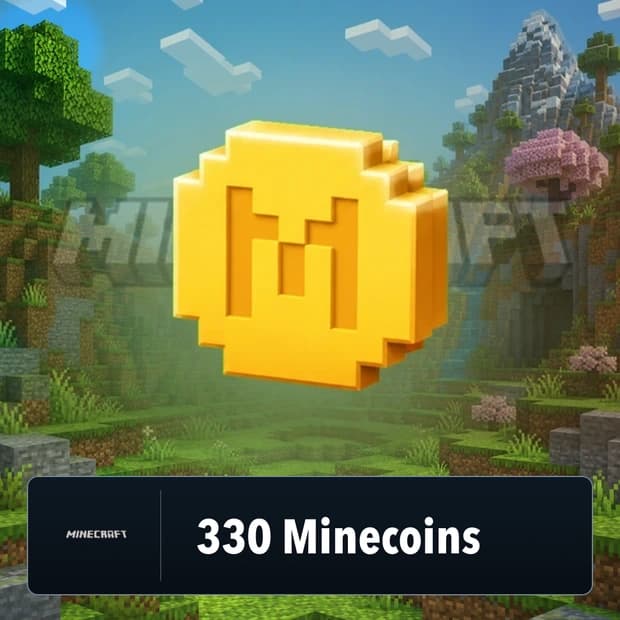
Minecraft 330 Minecoins

P2S.gg

Minecraft 330 Minecoins

Price$3.12
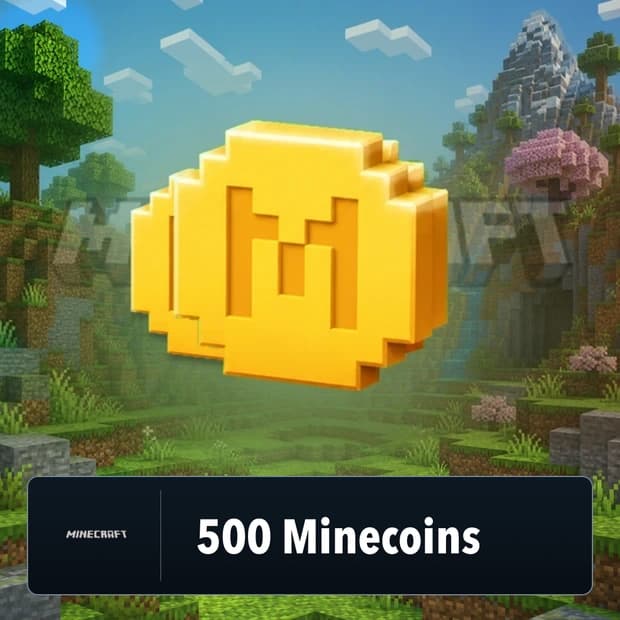
Minecraft 500 Minecoins

P2S.gg−1%

Minecraft 500 Minecoins

Price$3.31$3.35
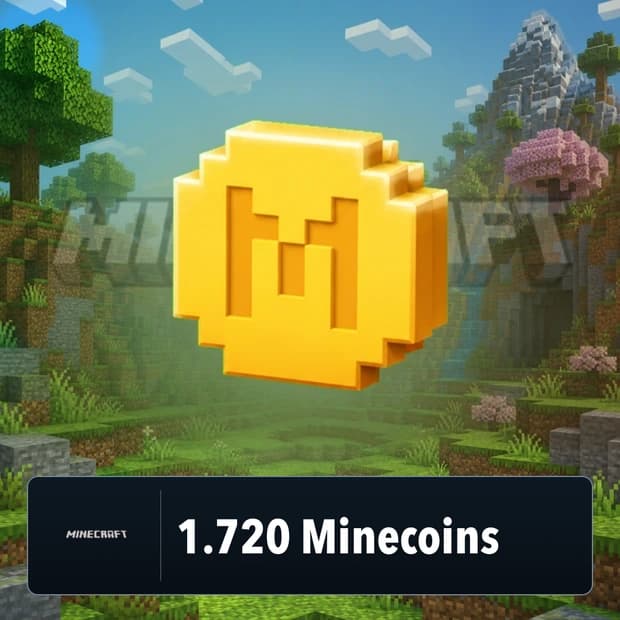
Minecraft 1,720 Minecoins

P2S.gg−34%

Minecraft 1,720 Minecoins

Price$9.97$15.14
Minecraft 3,500 Minecoins

P2S.gg−20%

Minecraft 3,500 Minecoins

Price$19.33$24.20
Minecraft 8,800 Minecoins

P2S.gg

Minecraft 8,800 Minecoins

Price$47.32$47.33

Minecraft Coins Price List

ProductPriceStock
Minecraft 330 Minecoins$3.12In stock
Minecraft 500 Minecoins$3.31In stock
Minecraft 1,720 Minecoins$9.97In stock
Minecraft 3,500 Minecoins$19.33In stock
Minecraft 8,800 Minecoins$47.32In stock

Frequently asked questions

8 questions
What are Minecraft Coins, and what are they called in the game?
The official in-game currency name for Minecraft Coins is Minecoins. Minecoins are used to purchase Minecraft Marketplace content in Minecraft: Bedrock Edition.
What content can be purchased with Minecoins?
Minecoins can be used for Minecraft Marketplace content such as worlds, skin packs, texture packs, add-ons, and adventure maps. The available content and the required amount of Minecoins are displayed in the Marketplace.
What should you consider when purchasing Itemgold Minecraft Coins?
Before purchasing Itemgold Minecraft Coins, you should check the amount, delivery method, region, and supported platforms specified in the product description. Make sure the product is compatible with Minecraft: Bedrock Edition and the Microsoft account you will use.
Which version of Minecraft supports Minecoins?
Minecoins are primarily used with Minecraft: Bedrock Edition, which provides access to the Minecraft Marketplace. Minecraft: Java Edition does not support Minecoins or Marketplace content.
How are Minecraft Coins added to my account?
The redemption method varies depending on the delivery method specified on the product page. If a redemption code is provided, follow the steps on the specified official redemption page; after completing the process, sign in to Minecraft with the same Microsoft account and check your Marketplace balance.
Which platforms support Minecoins?
Minecoins may be supported in compatible Bedrock Edition versions on Windows, Xbox, Nintendo, Android, iOS, Chromebook, and Amazon Fire. Since the Marketplace currency in PlayStation versions is called Tokens, check the platform information on the Itemgold product page before purchasing.
Do Minecraft Coins require region or account compatibility?
Region and account compatibility may depend on the terms of the selected product. Before purchasing Minecraft Coins, compare the product's region information with the country settings of your Microsoft account; for up-to-date information, check the game's official page or the Itemgold product page.
What should I do if my Minecoins balance does not appear after purchase?
First, check that you are signed in with the correct Microsoft account and that the transaction has been completed. If the balance still does not appear, close and reopen Minecraft, then check your Marketplace balance again; if the issue persists, review the product instructions.

Category guide

5 sections

What Are Minecraft Coins?


Minecraft Coins are a digital currency used in Minecraft, especially in Bedrock Edition, to purchase Marketplace content. With these coins, players can access skin packs, texture packs, custom maps, adventure worlds, mash-up packs, and various community-created content.


For players who see the Minecraft world as more than just breaking blocks and building structures, Minecraft Coins are a very practical option. Players who want to try a new survival map, change their character appearance, enter different mini-game worlds with friends, or enjoy a visually different experience can unlock Marketplace content using coins.


Open the rest of the guide · 4 sectionsClose the guide

What Can Be Purchased with Minecraft Coins?


The content offered in the Minecraft Marketplace may change periodically. For this reason, it is important to check both the current content in the in-game store and the descriptions on the Itemgold product page before purchasing.


  1. Skin packs that change your character’s appearance
  2. Texture and resource packs that refresh the visual style of the world
  3. Ready-made adventure, survival, parkour, and mini-game maps
  4. Themed mash-up packs and custom world designs
  5. Marketplace content created by community creators
  6. Special game modes and map packs that can be played with friends


What Do Minecraft Coins Offer Players?


Minecraft Coins should not be thought of like a traditional in-game currency that directly gives players combat power. Their true value lies in personalizing and expanding the Minecraft experience. They are useful for players looking for a different world atmosphere, new gameplay scenarios, ready-made structures, role-playing maps, or cosmetic options.


Players who especially play Bedrock Edition and want to use Marketplace content on console or mobile can review the Minecraft Coins category and evaluate products suitable for their accounts. Since the availability of content may vary depending on the platform, account region, and Minecraft version, product details should be read carefully.


Buying Minecraft Coins Through Itemgold


When buying Minecraft Coins, you need to check which platform, region, and account type the product is suitable for. Usage conditions may vary for Xbox, PlayStation, Nintendo Switch, Windows, mobile, or other Minecraft Bedrock accounts. Choosing the wrong region or an incompatible platform may affect the activation and refund process.


By reviewing the Minecraft Coins category on Itemgold, you can compare available product options, check delivery information on the product page, and purchase the option that suits your account. Since each product may have different delivery methods, usage conditions, and region information, reading the description section before purchasing is the safest step.


Things to Consider Before Purchasing


  1. Check whether the product is suitable for Minecraft Bedrock Edition or the relevant platform.
  2. Make sure the account region and product region are compatible.
  3. Check whether the Marketplace content is currently available in the in-game store.
  4. Review the delivery method and usage information on the Itemgold product page.
  5. Remember that choosing the wrong region may affect the refund process.


If any issues occur, the Itemgold support team can assist with the process. The Minecraft Coins category offers a practical purchasing area for players who want to unlock Minecraft Marketplace content and make their gaming experience more personal.