How MapleStory Mesos Support Progression
Mesos are MapleStory's main in-game currency and play a central role in equipment and character development. Star Force enhancement uses Mesos to add stars and stats to eligible equipment, with costs rising as enhancement levels increase. Mesos can also support other in-game expenses and, in Interactive Worlds, player trading and Auction House activity.
World type matters. Interactive Worlds allow eligible items, equipment, and Mesos to be traded between players and provide access to the Auction House and Meso Market. Heroic Worlds focus on self-sufficient progression; Mesos and equipment cannot be traded between accounts, and the Auction House and Meso Market are unavailable. A Mesos product must therefore match a world where the listed delivery method is possible.
Products for Different MapleStory Goals
The right product depends on what you want to do in the game. A player preparing gear for tougher bosses may prioritize a Meso balance for Star Force attempts and other upgrade costs. Someone starting on a new world may focus on an account's class, level, equipment, quest progress, and available resources. Players interested in visual customization or convenience should check whether a listing provides a compatible balance, code, item, or account rather than assuming every product works through the same system.
- Mesos: Useful for eligible equipment upgrades, in-game expenses, and trading systems available in Interactive Worlds.
- Accounts: Compare the exact class, level, world, region, equipment, inventory, and progression stated in the listing.
- Digital codes or balances: Check the receiving account, region, redemption method, and eligible use before ordering.
- Items or services: Confirm the item name, quantity, world, character requirements, and delivery process.
Cash Shop, Maple Points, and Customization
MapleStory's Cash Shop includes fashion and beauty items, pets, inventory coupons, name-change options, and other convenience products. Pets can help collect loot and provide utility, while cosmetic items let players shape a character's visual identity. Store availability changes over time, and some purchases have character-level or payment-type restrictions.
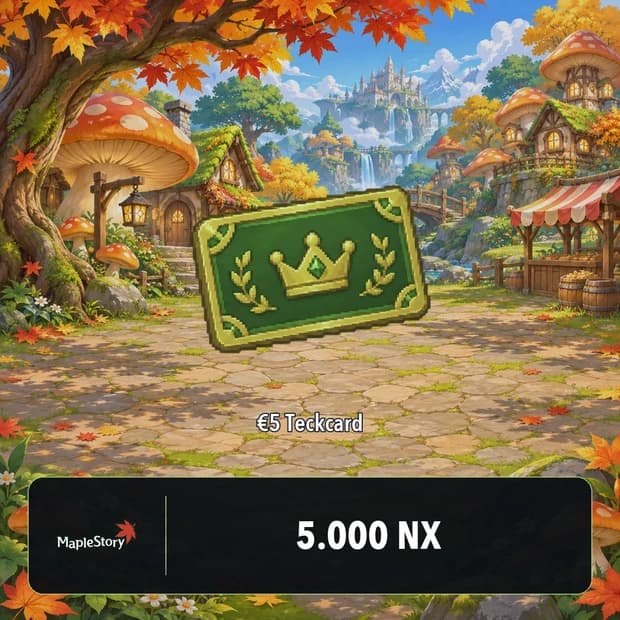
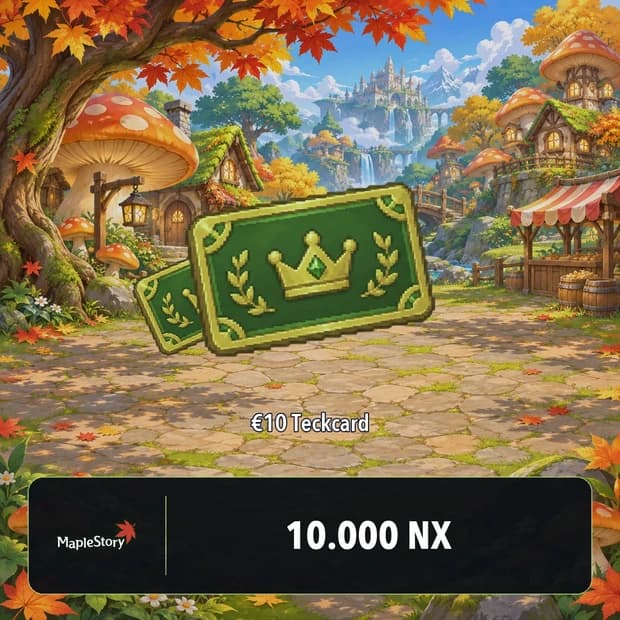
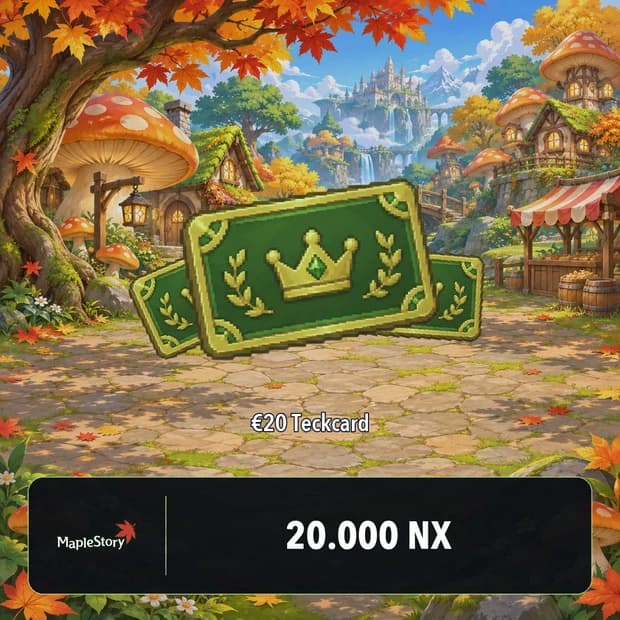
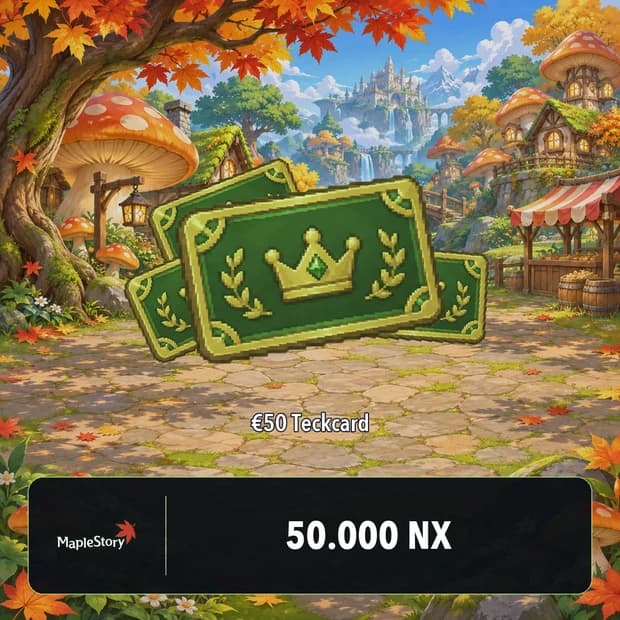
Maple Points, Reward Points, NX, and Mesos are separate balances with different rules. They should not be treated as interchangeable unless the product details and the game's current systems explicitly support the intended use. Check the exact balance type and current in-game price before choosing a product for a pet, cosmetic, coupon, upgrade item, or event purchase.
What to Check Before Buying
- World and server: Confirm the exact destination world, especially because Heroic and Interactive Worlds use different trading rules.
- Region: Match the product to the correct game region and account.
- Product type: Distinguish Mesos, accounts, items, services, and digital codes.
- Quantity and contents: Review the amount, included progression, inventory, or entitlement exactly as listed.
- Delivery: Follow the character, account, trade, or redemption instructions shown on the product page.
- Restrictions: Check trade limits, account requirements, and any refund conditions before payment.
To buy MapleStory products through Itemgold, compare listings based on your progression goal rather than price alone. The correct world, region, product type, and delivery details are essential. Choosing the wrong region or an incompatible world may prevent delivery and can affect the refund process. If an order issue occurs, the Itemgold support team can assist with the next steps.