

Loading…
ON SALE
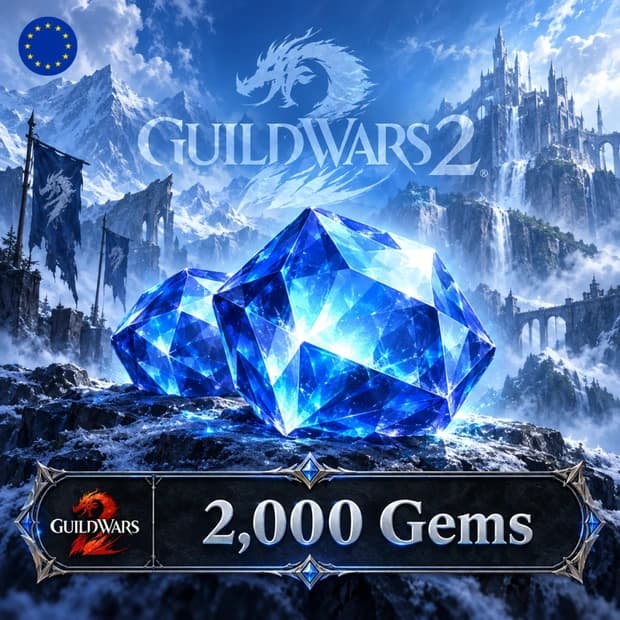
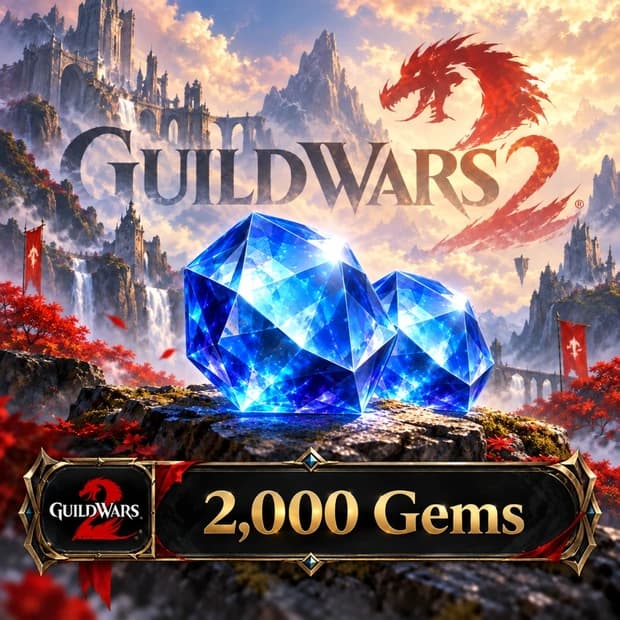
Explore cosmetics and account upgrades in the Gem Store with Guild Wars 2 2000 Gems, NCSoft. Check account compatibility before purchasing on Itemgold. This in-game currency is delivered to your order page after payment — enter the code and it's yours.
$23.34 instead of $23.52 (−%1)
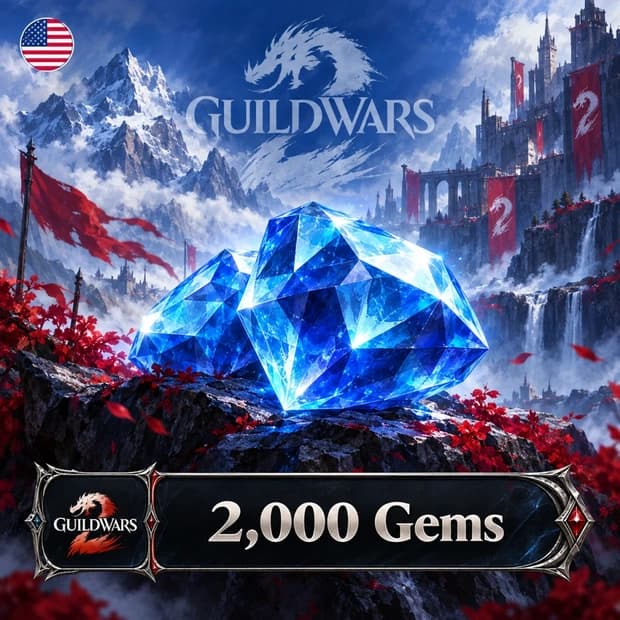
Guild Wars 2 2000 Gems, NCSoft is a digital in-game currency code used to add 2000 Gems to an eligible Guild Wars 2 account. Gems are not a level or combat power pack that directly determines character progression in Tyria. Instead, they provide access to cosmetics, account upgrades, and content that helps make the gaming experience easier to manage through the Gem Store.
This product is not a key for the base game or an expansion pack. Once the code is successfully redeemed, 2000 Gems are added to the relevant account balance. Since store items and seasonal options may change, it is recommended that you check the current Gem price of the content you wish to purchase in-game.
The Gem Store offers a variety of content, including appearance customizations, account upgrades, and convenience items. You can choose according to your character's style, the game modes you play, and the upgrades already available on your account.
In Guild Wars 2, progression in PvE, open-world events, Fractals, Strike Missions, raids, PvP, and WvW largely depends on gameplay. Gems do not provide automatic success in this content. However, additional storage space, extra character options, and convenient account features can make managing loot, equipment, and materials easier.
Cosmetic-focused players can use their Gem balance to personalize their character's appearance. Players planning to use their account long-term may prioritize permanent upgrades such as bank, inventory, or character capacity. This allows 2000 Gems to be used for either aesthetic choices or account organization, depending on your playstyle.
After logging into the game with an eligible Guild Wars 2 account, you can open the Black Lion Trading Company panel by pressing the O key by default. Enter the code using the Redeem Code option on the Gem Store homepage and confirm the transaction to have the Gems automatically added to your balance.
Gem card codes cannot be redeemed on Guild Wars 2 accounts created through Steam. Therefore, before purchasing, you should compare the NCSoft information in the product name, account type, any regional requirements, and delivery method with the details on the product page. Redeeming the code on a different account or selecting the wrong account type may affect the refund process.
If you are considering purchasing Guild Wars 2 2000 Gems, NCSoft on Itemgold, check the code amount, account compatibility, region information, and delivery details. Make sure the digital code is compatible with the Guild Wars 2 account on which you intend to use it. If you experience an issue with your order or code redemption, the Itemgold support team can assist you with the process.
Buyers of this product can leave a review; the first one will show up here.