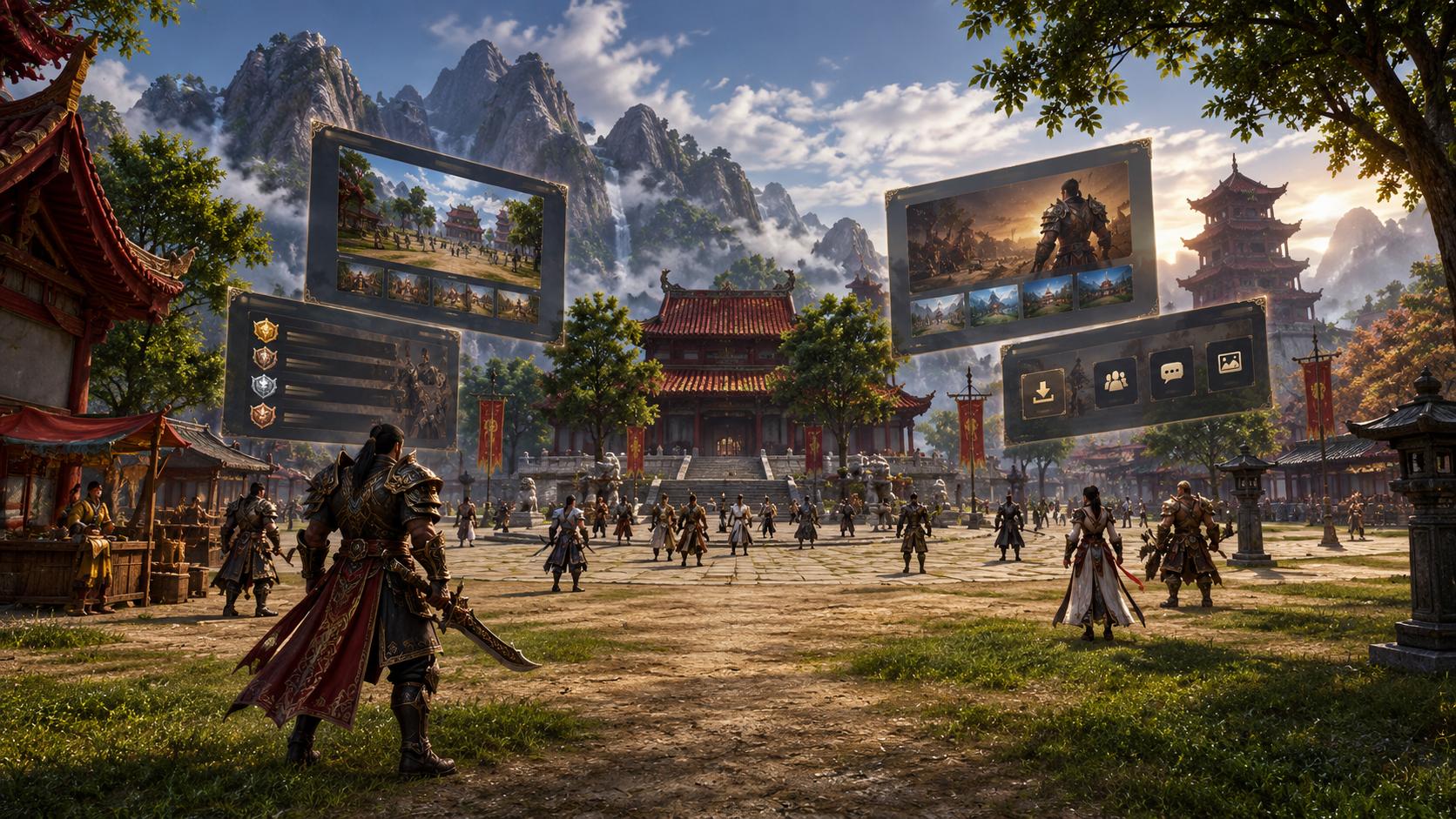
Explore the menus, character introductions, mobile navigation, and account panel on SaltanatMT2’s new website. Easily access downloads and patch notes.
SaltanatMT2’s redesigned website is now live with a new interface where players can access announcements, download links, rankings, and character introductions. A dark background, gold-toned details, and expansive battle visuals shape the homepage’s visual language. When exploring the new design, the most useful place to start is by deciding what information you need. The Download menu may be the priority for someone who wants to install the game, while announcements and patch notes may be more important for a player returning after a break.
First Stop: The Menu That Matches the Information You Need
The homepage brings frequently used access points together:
| Read news and announcements | Announcements |
| Access the game client | Download |
| View the player rankings | Rankings |
| Visit the store | Market |
| Learn about recent changes | Patch Notes |
| Browse the classes | Character section on the homepage |
Using the menu based on your goal is more efficient than browsing randomly between pages. For example, if you need the client, you can go to the download section; if you are curious about what is new in the game, you can open the list of changes first. However, the store link being visible does not by itself indicate that a promotion is available.
Six Different Tabs in the Character Section
The homepage features introductions for Shaman, Sura, Warrior, Artemisia, Ninja, and Lycan. Players who want to explore the characters can use this section as a starting point for comparing classes. When making a new choice, do not rely solely on the character artwork. Read the descriptions and consider what kind of role you want: do you want to return to a class you previously enjoyed, or are you looking for a different experience? Answering this question will determine what you focus on while reading the introductions. Do not treat the section as a definitive power ranking or a current in-game balance tier list.
Mobile Navigation and the Account Panel Are Also Being Updated
The October 22 patch notes also explain which pages have been migrated to the new design. Mobile navigation using tab rows, the option to install the website as an app, and the My Characters area in the account panel are covered in these notes. The My Game Accounts section also provides access for managing multiple game accounts. These details show that players who use the website only to read news may need different sections than those who regularly return to their account information. If you are going to perform an account-related action, first check the selected account and the panel you have opened. Avoiding actions before reading the description of a feature shown in the menu is a useful habit, especially for players with multiple accounts.
Itemgold’s Take
The most tangible benefit a game website can offer players is helping them find the information they need. That is why it is useful to distinguish between your download, update, and character research needs before starting your tour of the SaltanatMT2 website. For your other in-game needs, you can browse ItemGold’s SaltanatMT2 categories. If listings are available, compare the server, quantity, and delivery terms; do not interpret the website redesign as an automatic shopping advantage.
FAQ
Where is the SaltanatMT2 download link?
It is in the Download menu on the official website. You can use this access point to reach the client.
Does the new website mean a new server is launching?
The website redesign alone is not an announcement of a new server or season launch.
Where can I learn about the characters?
You can explore them through the six class tabs on the homepage. You should not interpret the introductions as a current power ranking.
Which section is available for multiple accounts?
The My Game Accounts area is explained in the October 22 notes. Check the selected game account before performing any action.
How can I tell whether an event shown on the homepage is still active?
Open the announcement and read its date and terms. A visible news card alone does not indicate that the event is still active today.