Loading…
ON SALE
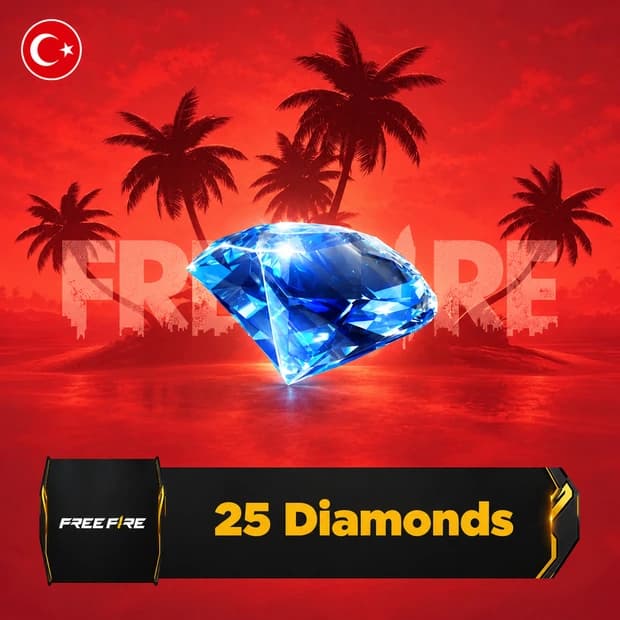
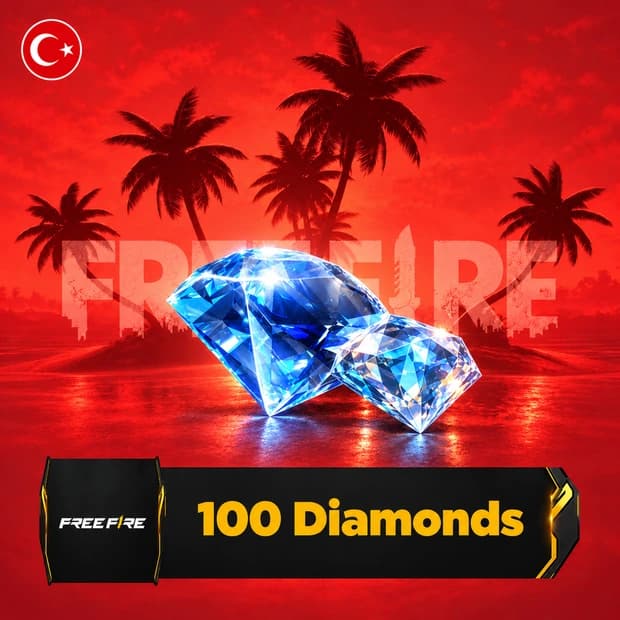
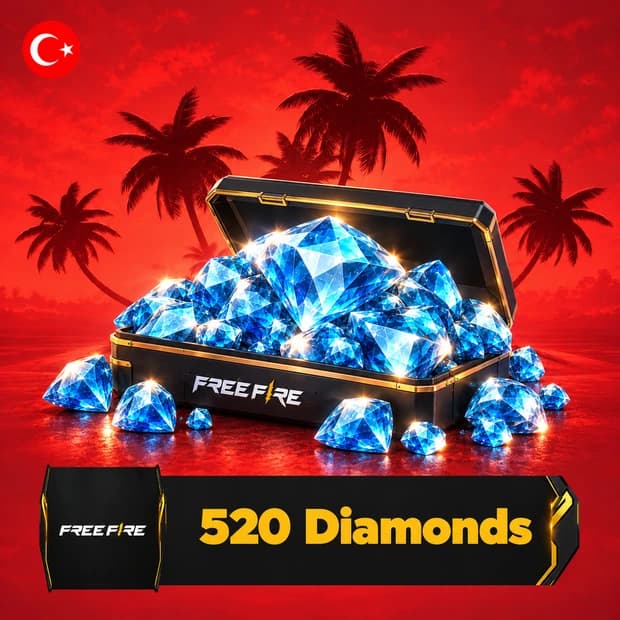
Free Fire 520 Diamonds Top-Up TR: load 520 diamonds directly to your Turkey-server Free Fire account with your UID. No code needed. This topup is loaded straight to your game account after payment.
$3.08 instead of $3.52 (−%13)
ID top-up: Diamonds are loaded directly to the account of the Free Fire ID (UID) you enter at checkout. This package is valid only for Free Fire accounts on the Turkey server; top-ups to a wrong ID cannot be reversed.
Free Fire 520 Diamonds is an in-game currency top-up product for Garena Free Fire. Diamonds are used inside the game shop, event pages, and other paid content areas where the game accepts this currency. This is for players who already know their account and want a clear amount of Diamonds to plan around during longer play sessions.
In Free Fire, Diamonds sit on the premium currency side of the account. Players usually use them for shop purchases, Luck Royale entries, Elite Pass or Booyah Pass related content when available, character options, bundles, emotes, weapon skins, and event items. The exact menus can change by season, so it is worth checking the live shop before deciding where to spend.
Diamonds can be useful when Free Fire rotates cosmetics, crates, bundles, character-related items, pet content, and limited event rewards through the store. Some players save Diamonds for a specific outfit or weapon skin, while others spend them during event periods where tokens, spins, or themed rewards are active. Current shop content is controlled by the game, so check the in-game shop for the latest items and requirements.
Diamonds do not replace aim, map sense, or squad play, but they can help with account growth and customization. Character slots, pet-related content, pass rewards, and event participation can matter if you play ranked, Clash Squad, Battle Royale, or seasonal missions regularly. For PvP preparation, many players care about having their preferred character setup, visible style, and event rewards ready before a busy season starts. For PvE-style missions and daily play, having currency ready can also make it easier to follow event tasks without stopping to compare every small purchase mid-match.
Free Fire is mainly played on mobile accounts, and currency use can depend on account region, platform rules, and the way the product is delivered. Before buying, confirm that the listed platform matches the account you use and that the region fits your Free Fire profile. A wrong region or incompatible platform can affect activation and may also affect the refund process, especially with region-locked digital products. If you switch between Google, Apple, Facebook, or guest-linked account setups, check which account will receive the currency before completing the order.
Check the product page for delivery details, activation notes, and any account information required for a digital code or top-up style product. If something looks unclear, the Itemgold support team can help you review the listing details before purchase. Keep your Free Fire account information accurate and avoid guessing on region or platform fields.
If you want Diamonds for shop items, event rewards, character content, or cosmetic choices, you can buy on Itemgold after checking the listing carefully. Free Fire 520 Diamonds works best when you already know what you plan to spend on in the current Free Fire shop.
Buyers of this product can leave a review; the first one will show up here.