
Loading…
ON SALE
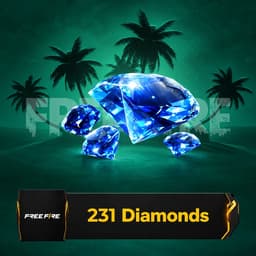
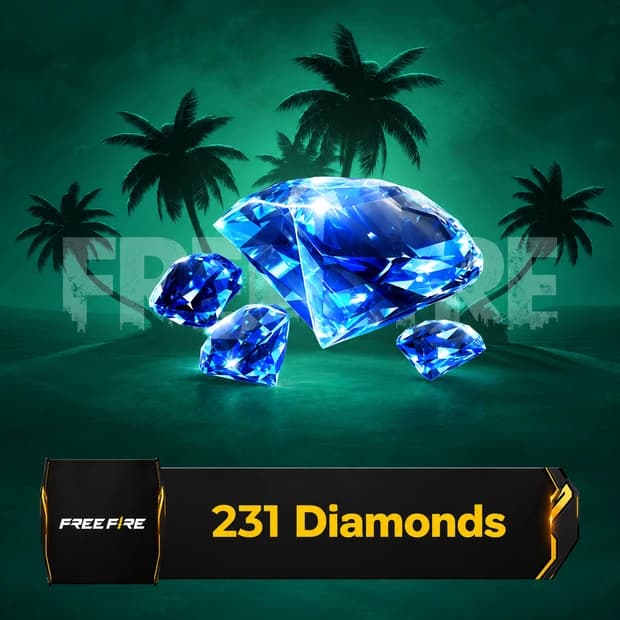
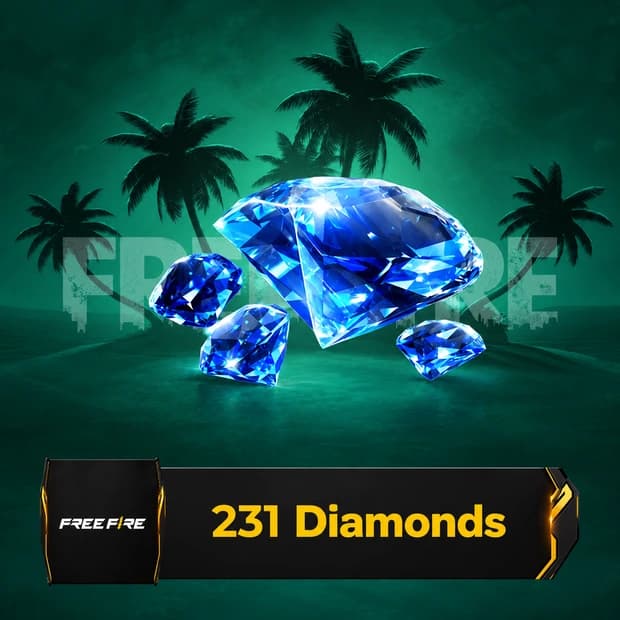
Load up to 231 diamonds to your Free Fire account with your UID (210 diamonds + a 21-diamond bonus on the first top-up only; repeat top-ups load 210 diamonds). No code needed. This topup is loaded straight to your game account after payment.
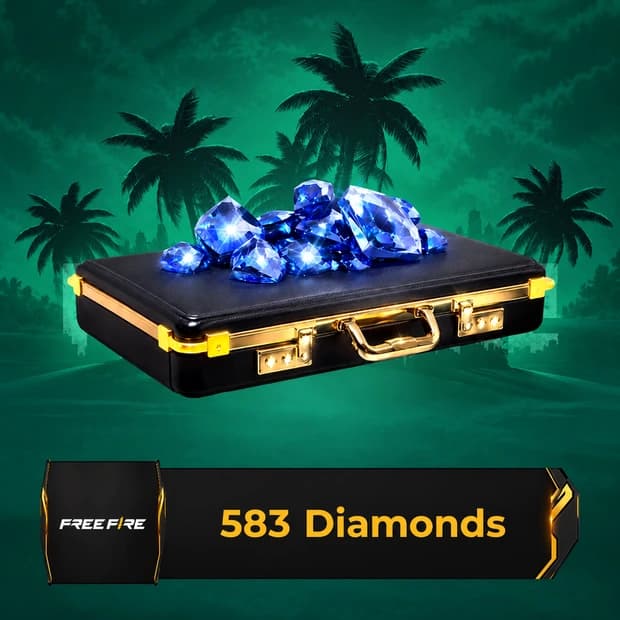
ID top-up: 210 diamonds are loaded directly to the account of the Free Fire ID (UID) you enter at checkout. The +21 bonus diamonds are granted by Garena only on the first top-up of this package; later purchases load 210 diamonds. Top-ups to a wrong ID cannot be reversed.
Diamonds are the paid in-game currency used in Free Fire for shop purchases, event items, cosmetics, and selected account upgrades. Free Fire 231 Diamonds is a small top-up option for players who need a limited amount of currency instead of a larger bundle.
In Free Fire, diamonds connect directly to the in-game store, event menus, Luck Royale-style draws, character-related content, weapon cosmetics, pet items, and seasonal reward tracks when they are available. They do not change your aim, map sense, or squad calls, but they can give you more room to manage cosmetic choices and paid event entries. For a battle royale player, that usually means choosing what to spend on before ranked games, Clash Squad sessions, or limited-time events.
The exact shop rotation changes, so always check the current Free Fire store before spending. Diamonds are commonly linked with character outfits, gun skins, emotes, bundles, pets, incubator or draw entries, Elite Pass-style rewards when active, and other premium sections shown inside the game. Some items are permanent cosmetics, while others may be tied to events, crates, or time-limited menus. If a pack, pass, or spin needs more than 100 diamonds, treat this amount as part of your balance and check the final cost in-game first.
Free Fire is still won through positioning, looting, recoil control, and team play, so diamonds should be viewed as account value rather than a shortcut. They can support progression by helping you join events, build a cleaner character setup, collect skins you actually use, or prepare your account around ranked and Clash Squad play. Resource planning matters here: spending a small amount at the right time may be better than wasting it on a random draw you do not care about.
Before buying, confirm that the product matches your Free Fire account, platform, and region. Mobile games can handle top-ups differently depending on account login, country, server, or store rules. A wrong region choice, wrong account detail, or region-locked code can affect use and may also affect the refund process. If the listing uses a digital code or account-based top-up flow, follow the product page information rather than guessing from another region.
Check the delivery details on the product page, including whether the listing provides a digital code, asks for account information, or uses another activation method. For this diamond amount, also review any notes about region compatibility, platform requirements, and refund limits before payment. If something looks unclear or the code does not work as expected, the Itemgold support team can help with the issue.
If this amount fits your current shop goal, you can buy Free Fire 231 Diamonds on Itemgold and use the balance for the Free Fire content you actually plan to spend on. Check the in-game price first, then decide if 100 diamonds is enough for your bundle, event entry, cosmetic, or pass progress.
Buyers of this product can leave a review; the first one will show up here.