
Loading…
ON SALE
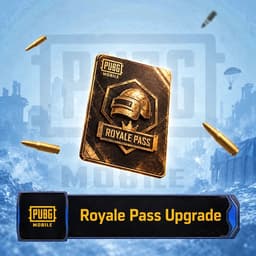
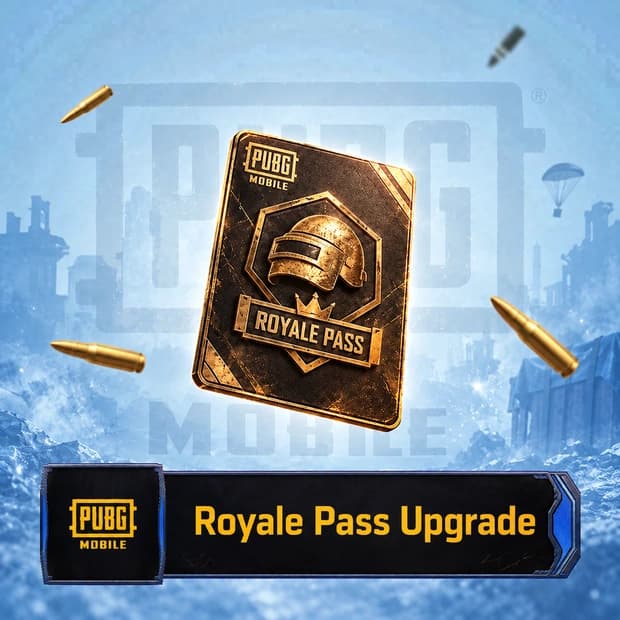
Access mission rewards and seasonal content with the PUBG Mobile Royale Pass Upgrade. Easily explore the ID top-up option on Itemgold. This topup is loaded straight to your game account after payment.
PUBG Mobile Royale Pass Upgrade (ID Top-Up) is an upgrade product for players who want access to the premium missions and reward track of the current Royale Pass period. The upgrade is applied to the PUBG Mobile player ID provided during purchase.
The Royale Pass upgrade is intended for players who aim to earn outfits, weapon skins, emotes, backpack skins, and various in-game rewards by completing missions throughout the season. Unlockable content and reward tiers may vary depending on the current Royale Pass period.
It provides access to premium Royale Pass rewards in addition to the free reward track. Players can advance through Royale Pass levels by earning progress points from daily, weekly, and seasonal missions. This allows them to obtain theme-specific cosmetics and other rewards offered during the current period.
This upgrade does not directly provide an advantage in aiming, damage, or in-match performance. Its primary value lies in mission progression, expanding your collection, and personalizing your account with cosmetic content.
Before placing an order, make sure that the player ID in your PUBG Mobile profile is correct. The information required for delivery and the estimated processing time are specified on the product page. You may need to enter the requested numerical ID instead of your player name, so it is important to complete the fields according to the instructions on the product page.
Do not share your account password or verification code. Upgrades applied to an incorrect player ID may not be reversible and may affect the refund process. After the order is completed, restart the game and check the upgrade status on the Royale Pass screen.
Because Royale Pass content is renewed between periods, you should not assume that a particular outfit, skin, or reward is included in the package. The current reward pool should be viewed on the Royale Pass screen in PUBG Mobile.
Before purchasing the PUBG Mobile Royale Pass Upgrade through Itemgold, you can review the package contents, account region, and delivery terms. If you experience an issue after the upgrade, you can contact the Itemgold support team for assistance using your order details.
Buyers of this product can leave a review; the first one will show up here.