

Loading…
ON SALE
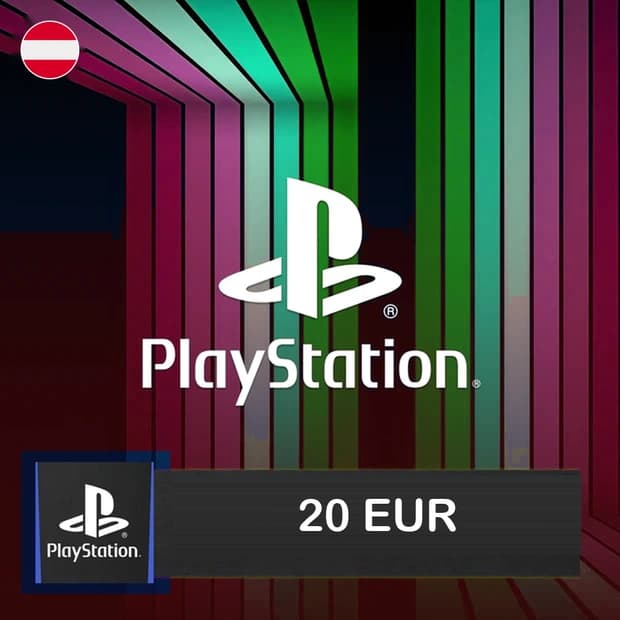
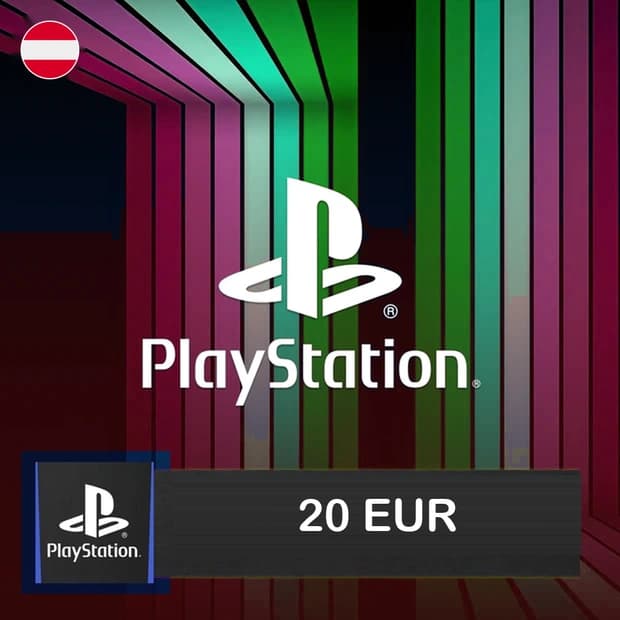
Add EUR 20 to your PSN wallet with PlayStation Store 20 EUR Gift Card - Austria for PlayStation 5. Buy it on Itemgold for PS5 games, DLC, and digital content. This gift card is delivered to your order page after payment — enter the code and it's yours.



PlayStation Store 20 EUR Gift Card - Austria is a digital gift card used to add EUR 20 to the wallet of a compatible PlayStation Network account registered in Austria. Once the code is redeemed, the added balance can be used for eligible digital content available through the PlayStation Store.
This product is a practical option for users who want to shop on the PlayStation Store without adding credit card details to their console, set their wallet balance in advance, or give another player a digital gift.
The balance added to the PSN wallet can be used for content available in the Austrian PlayStation Store catalog that is eligible for the account. Prices, promotions, and available products may vary by store region.
Open the PlayStation Store from the PlayStation 5 home screen. Select the redeem code option in the store menu, enter the digital card code, and confirm the transaction. After successful redemption, EUR 20 will be added to the wallet balance of the compatible PSN account.
Before redeeming the code, make sure the country or region of the signed-in account is set to Austria. The currency and region of PSN gift cards must match the account's registered store region.
The AT designation indicates that the product is intended for the Austrian region. Therefore, using EUR alone is not sufficient; the PSN account's country setting must also be Austria. The code may not work on accounts registered in Turkey, Germany, France, or another country.
Because the region of a PlayStation account may not be easy to change later, it is important to check the account details before purchasing. Selecting the wrong region may prevent the code from being redeemed and may affect the refund process.
You can purchase this product through Itemgold to add funds to your PlayStation Store wallet in a controlled manner. Before purchasing, check the product name, AT region information, EUR 20 amount, and delivery details on the product page.
Once the digital code has been delivered, you must enter all characters correctly. If you experience an issue with the code or the ordering process, the Itemgold support team can assist you.
Buyers of this product can leave a review; the first one will show up here.