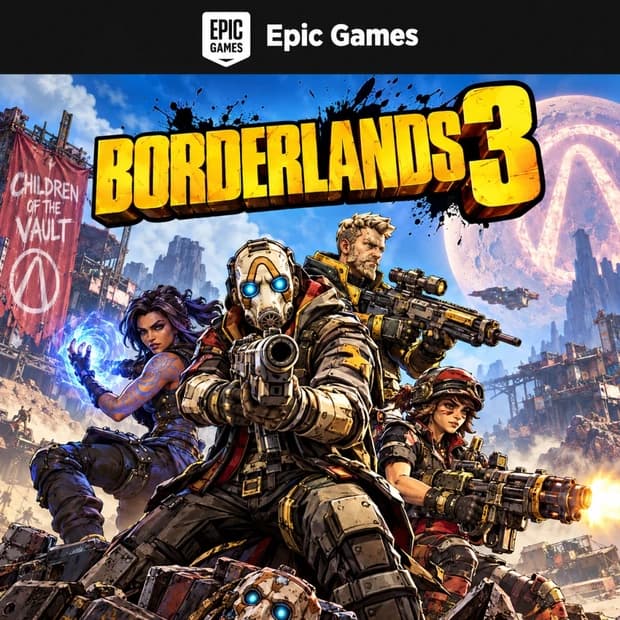
What Content Can You Get with an Epic Games Key?
Epic Games Key products activate specific digital content directly. They should not be treated as general-purpose wallet credit. The game or bundle unlocked by the code is determined by the content specified on the product page.
- Base game: A full game license that can be downloaded through the Epic Games Launcher.
- Special edition: Editions that may include additional missions, cosmetic content, digital bonuses, or season content alongside the standard game.
- DLC and add-ons: New maps, story chapters, characters, equipment, or other expansion content.
- Digital bundle: Collections that may include multiple games or pieces of game content within a single product.
Bundle contents may vary depending on the publisher and product. When purchasing DLC, it is important to check whether the base game is already available in your Epic Games account. Different editions of games with the same title may also provide different content.
How Do You Activate an Epic Games CD Key?
Epic Games codes can be redeemed through the Epic Games Store website or the Epic Games Launcher. First, sign in to the correct account to which the product will be added. Then go to the code redemption section, enter the digital code in the relevant field, and confirm the activation.
Before completing the process, check the game or bundle name displayed on the screen. Once the code has been successfully redeemed, the game is usually added to your Launcher library. Add-on content such as DLC may appear on the base game's page or in the relevant section within the game.
Things to Check Before Activation
- Confirm that the code can be redeemed on the Epic Games platform.
- Compare the product's region with the country or region setting of your Epic Games account.
- Review the differences between editions such as Standard, Deluxe, and Ultimate.
- Check the base-game requirements for DLC products.
- Review the game's operating system and hardware requirements.
- Check whether an additional publisher account or a different launcher is required.
Region, Account, and Platform Compatibility
Some Epic Games CD Key products may be restricted to specific countries or regions. Activation may fail if the code's region is not compatible with the country registered to your Epic Games account. Since selecting the wrong region may also affect the return process, you should read the region information on the product page before purchasing.
Although the Epic Games Store offers content for different systems, not every game supports the same operating systems. Windows or macOS compatibility, minimum system requirements, online connection requirements, and third-party account requirements should be checked for each game. The fact that a code is for Epic Games does not mean the content will work on every device.
What Should You Consider When Choosing an Epic Games CD Key?
First, review the full product name and edition. Editions with similar cover images may contain different content. If you are looking for a multiplayer mode, story pack, cosmetic item, or season pass, make sure it is explicitly included with the product.
Remember that the code is for one-time use and must be redeemed on the correct account. The delivery method, product contents, activation platform, and any additional conditions are listed on the Itemgold product page. When buying an Epic Games CD Key, you can compare these details to choose the game or bundle that suits your needs. If you experience any issues during activation or the ordering process, the Itemgold support team can assist you.