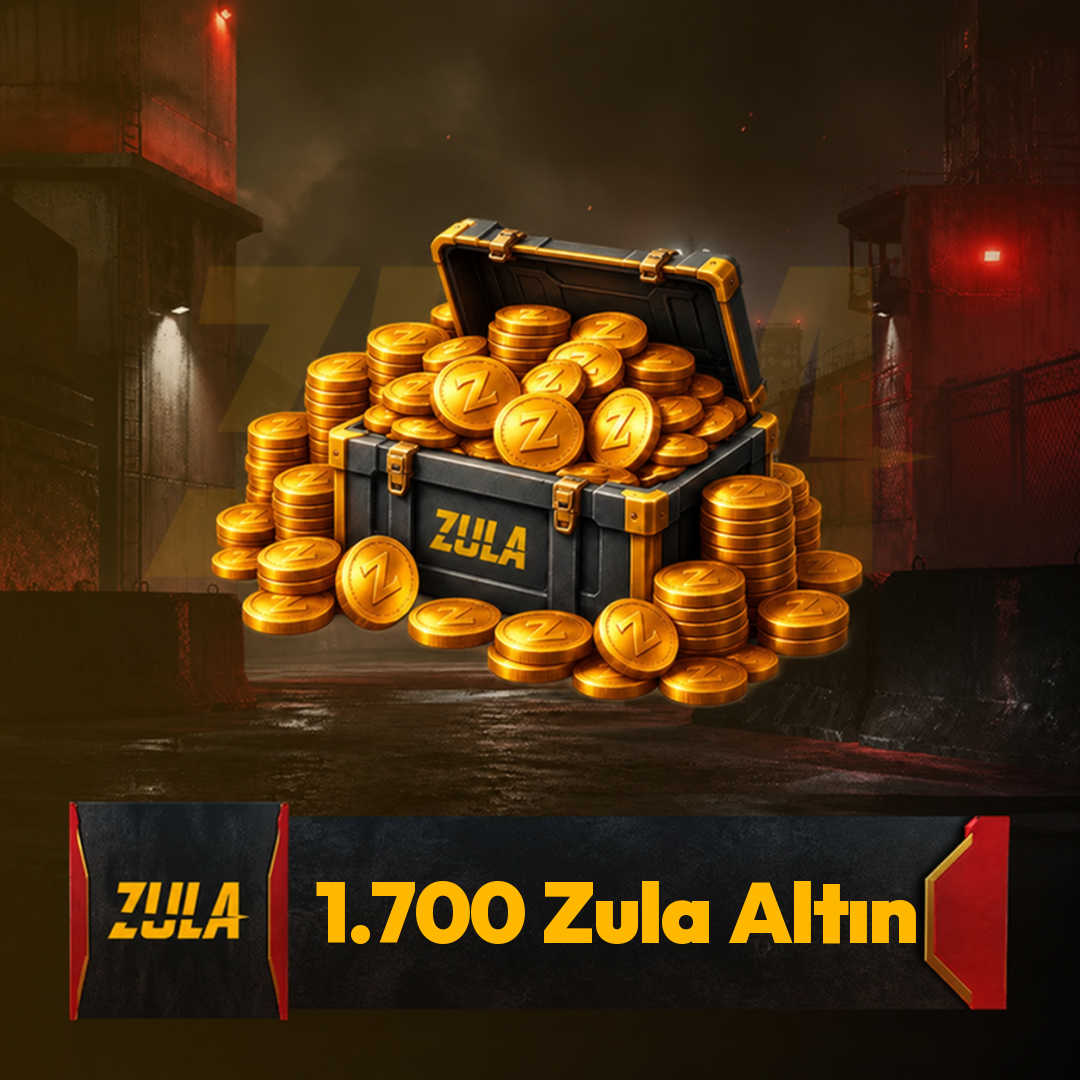
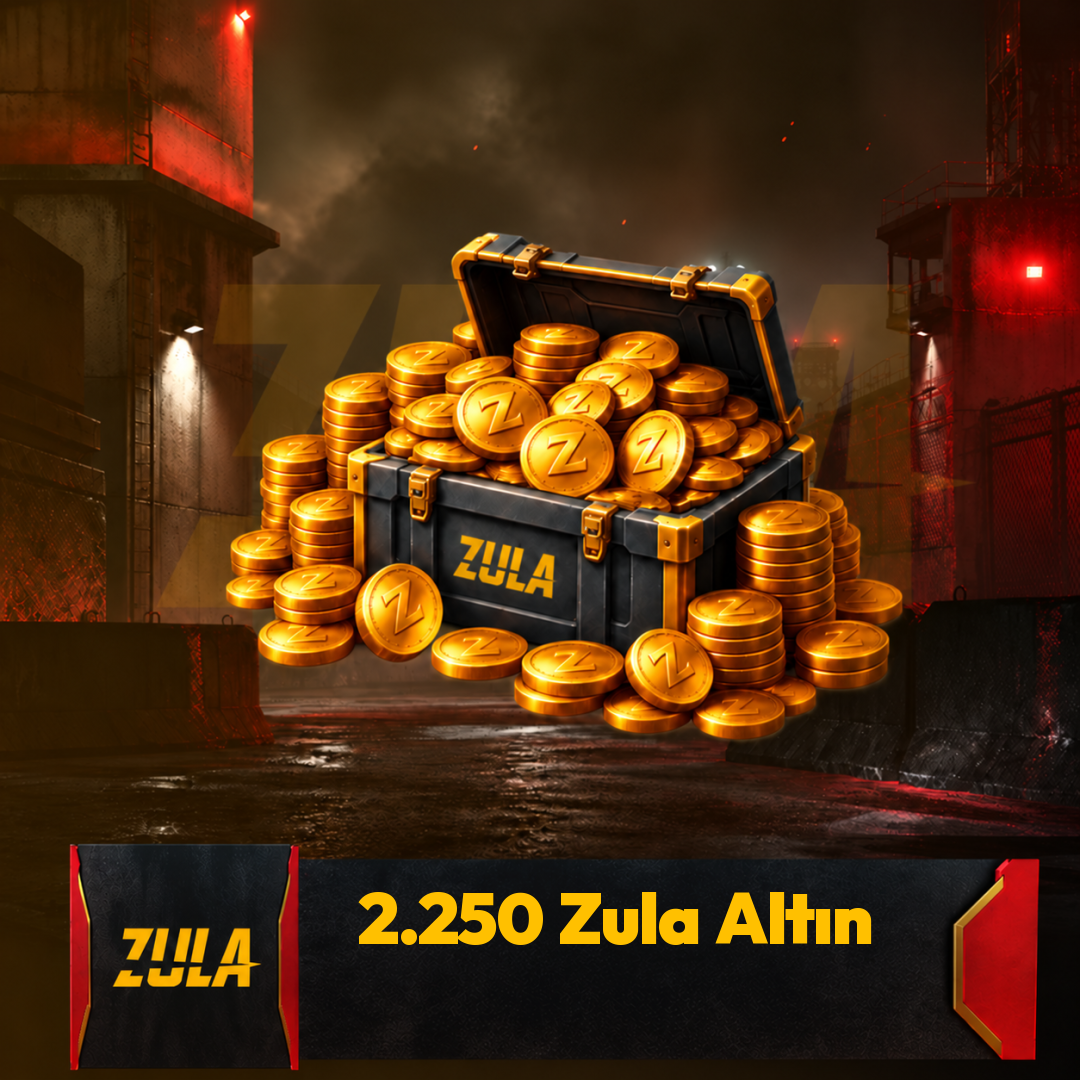
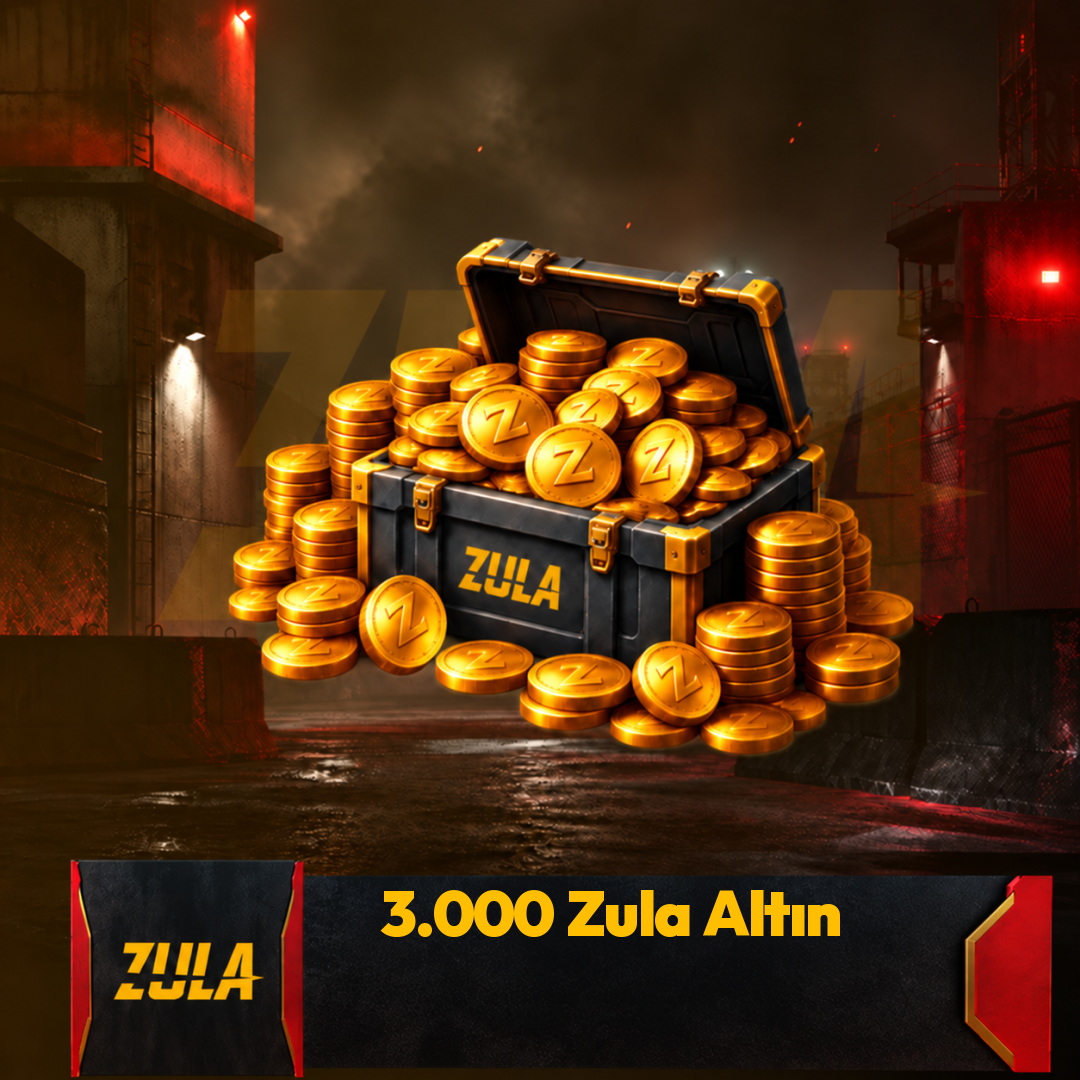
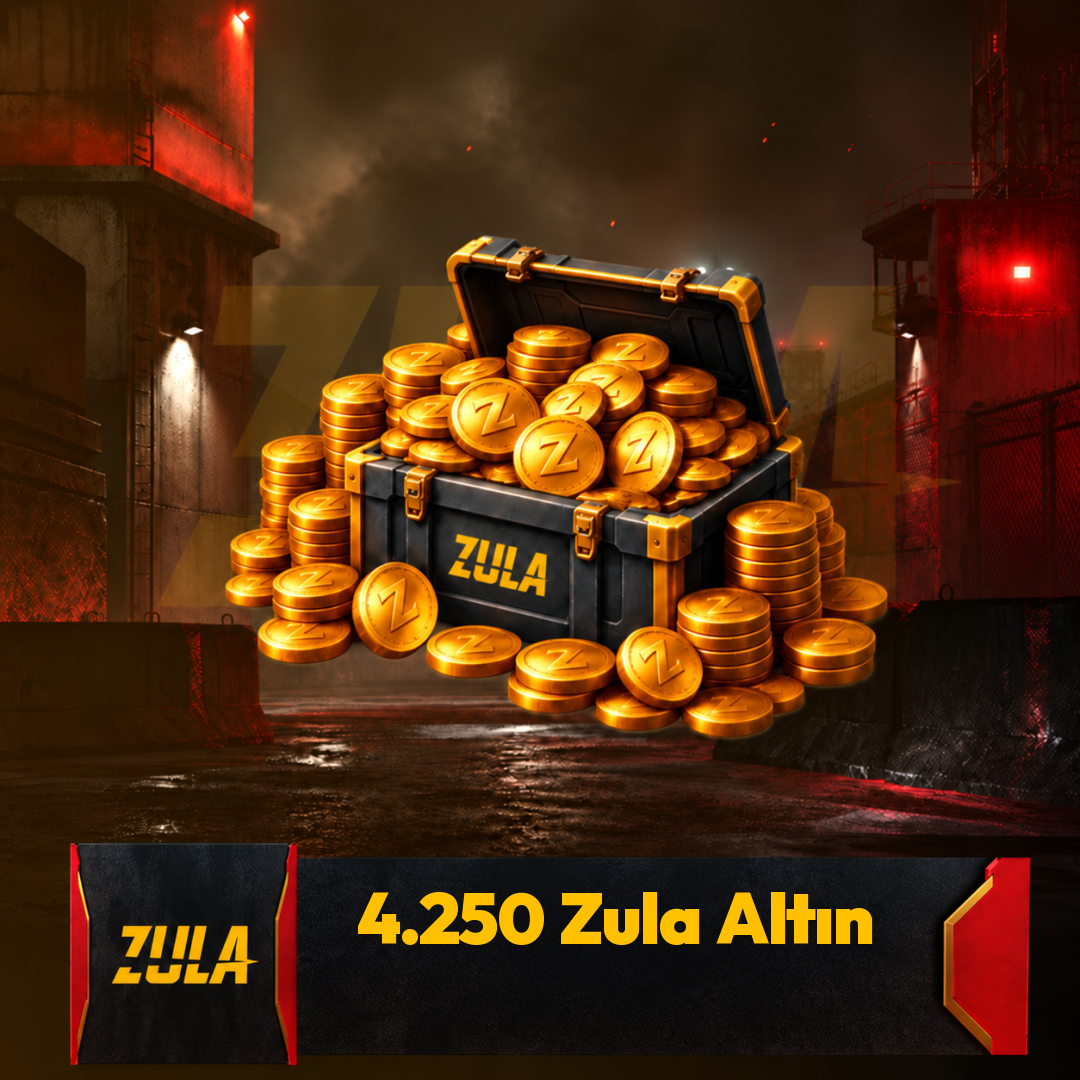
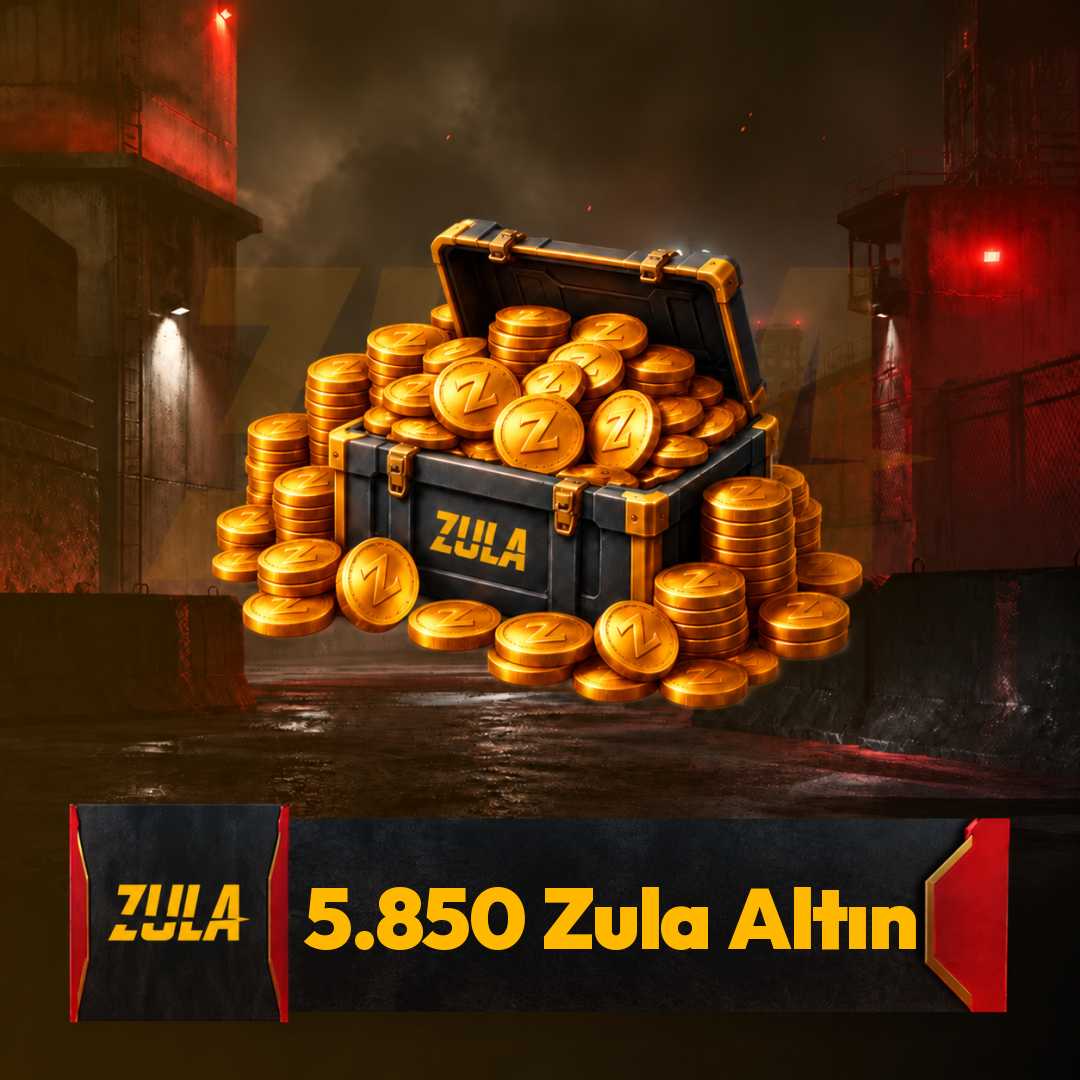
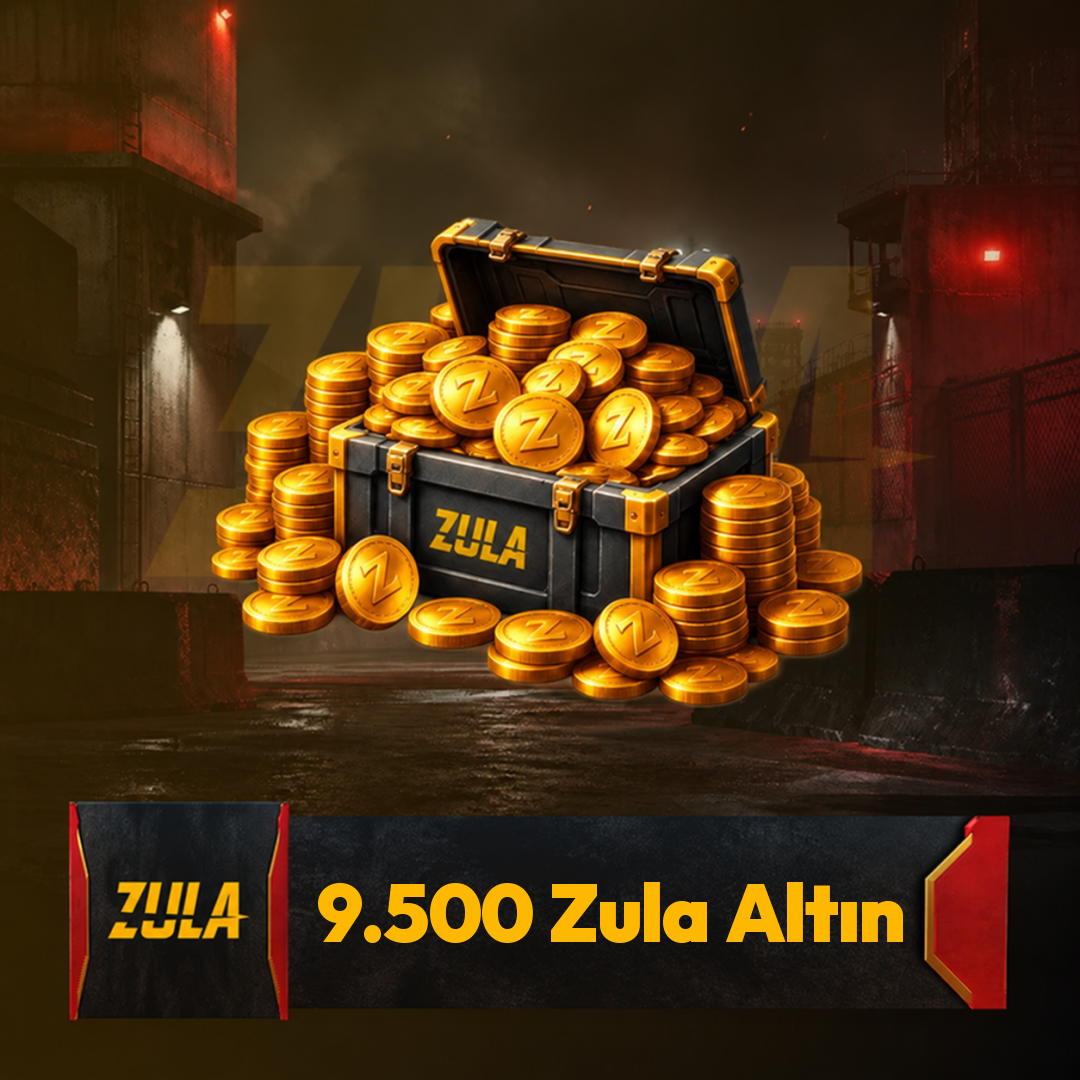
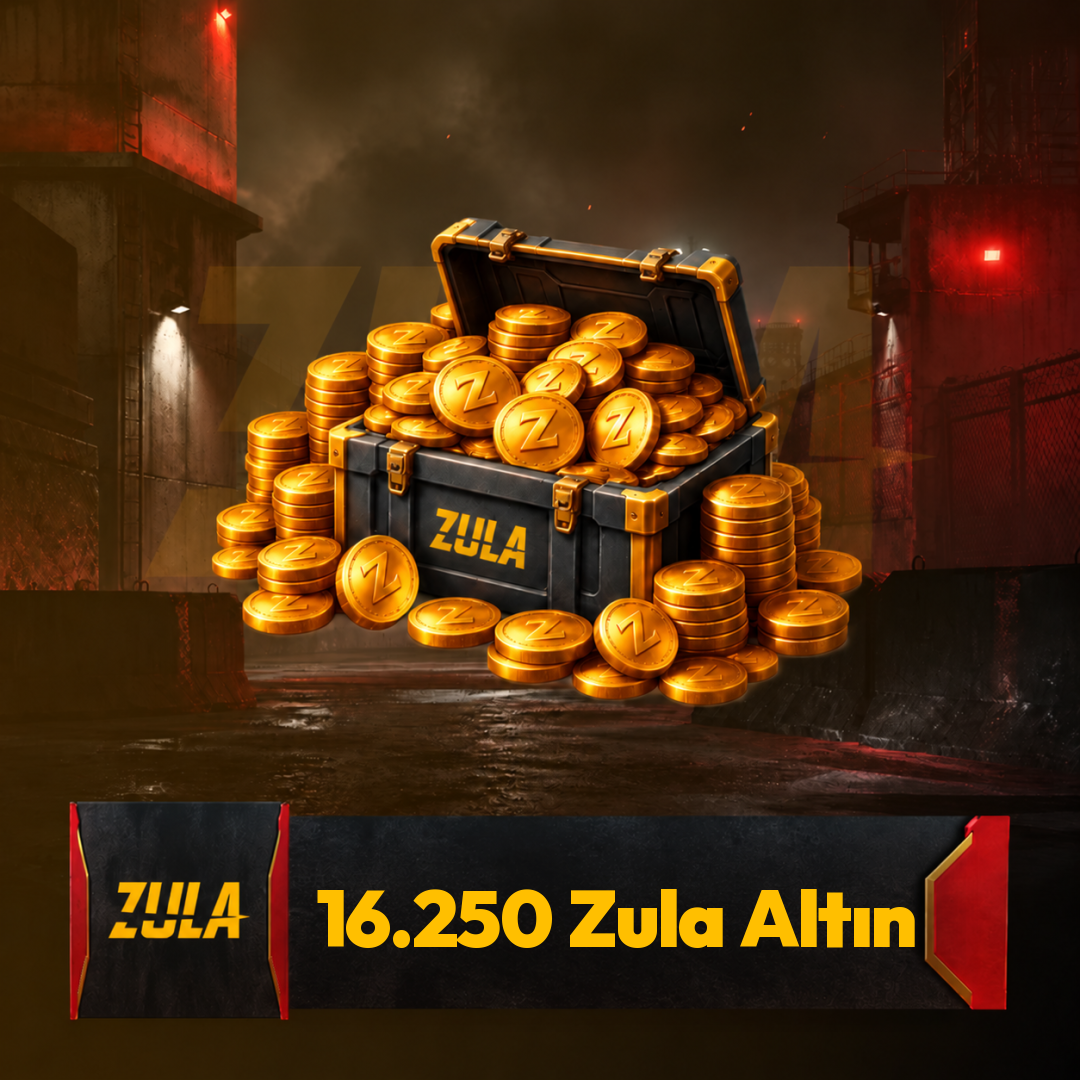
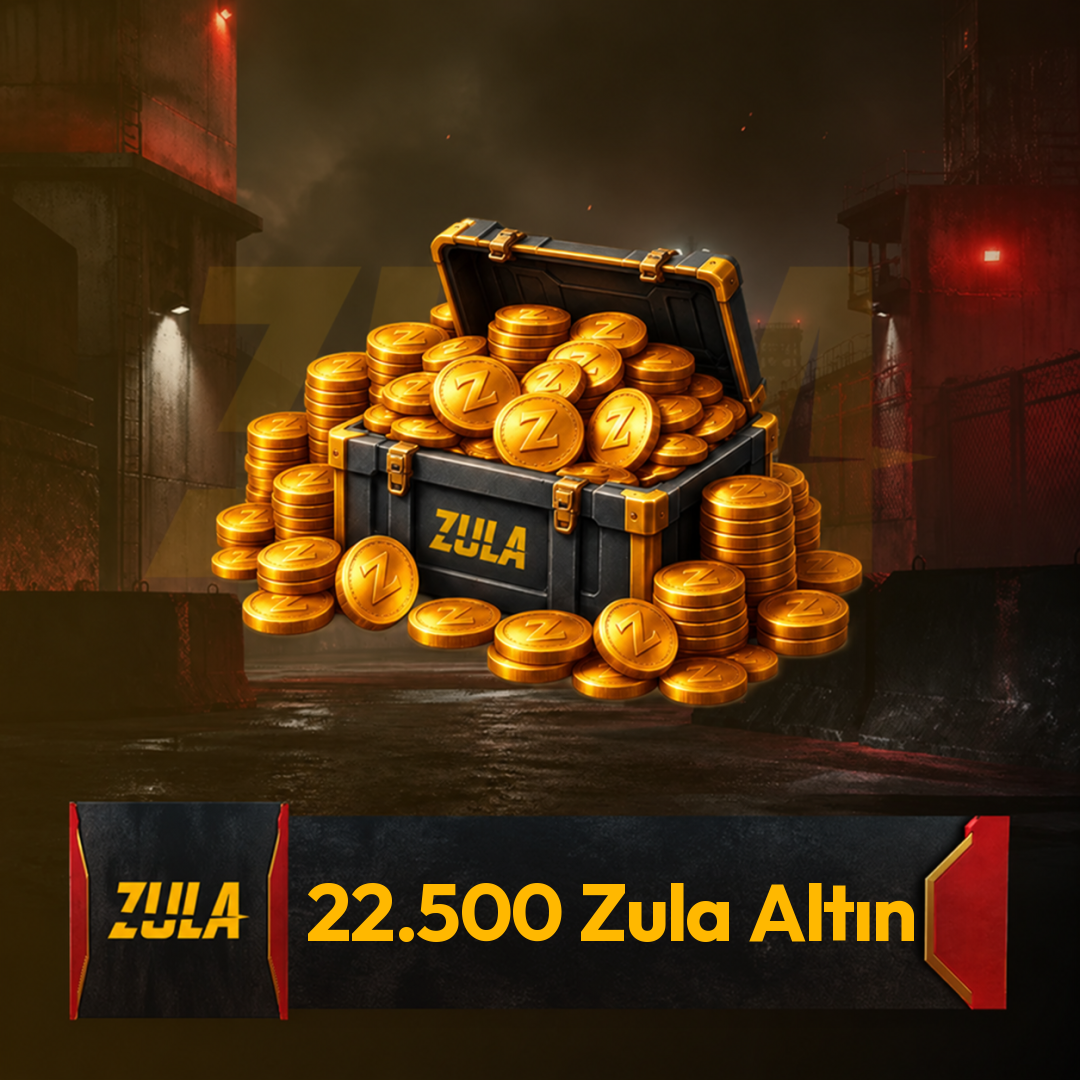
What is Zula Gold Top-Up?
Zula Gold Top-Up is an in-game currency transaction used to add Zula Gold to a Zula account. Zula’s official page has a Zula Gold top-up area, and the game is listed on Steam with in-game purchase support. Before completing a Zula Gold Top-Up purchase, check the usage and account information in the product description.
What is Zula Gold used for?
Zula Gold is a currency that can be used for in-game purchases in Zula. Its areas of use may vary depending on seasonal events, packages, and in-game store content. For up-to-date information, check the game’s official page or the Itemgold product page.
Which accounts can Itemgold Zula Gold Top-Up products be used on?
Which accounts Itemgold Zula Gold Top-Up products can be used on depends on the conditions stated in the product description. Before purchasing, make sure your Zula account is compatible with the region, platform, and login information. Do not make definite assumptions about account compatibility that is not clearly stated.
How is Zula Gold added to an account?
The Zula Gold top-up step may vary depending on the code or top-up method provided by the product. Usually, information related to the Zula account or code redemption area is requested during the process. After purchase, follow the instructions on the Itemgold product page and Zula’s official top-up screen.
Why can Zula Gold prices change?
Zula Gold prices may change depending on package amount, seasonal updates, and product conditions. Therefore, before purchasing, you should check the Itemgold product page for current Zula Gold prices. If the price, stock, or bonus information is not clearly written on the product page, it should not be accepted as certain.
What should be considered when buying Zula Gold Top-Up?
When buying Zula Gold Top-Up, you should check the product name, amount, usage terms, and region information if any. Having the correct information for your Zula account is important to avoid problems during the top-up process. The explanations on the Itemgold Zula Gold Top-Up page should be taken into account before purchase.
Can Zula Gold be used on a Steam account?
Zula’s Steam versions are listed with in-game purchase support, but Steam compatibility should be checked separately for each Zula Gold Top-Up product. Whether the product is valid for Steam, an official Zula account, or a specific region should be stated on the Itemgold product page. For up-to-date information, check the game’s official page or the Itemgold product page.
What should be checked after purchasing Zula Gold Top-Up?
After purchasing Zula Gold Top-Up, you should check the product information, code or top-up instructions, and the balance added to your account. If Zula Gold does not appear in your account, first review the usage steps on the product page again. Since transaction details may vary depending on the product type, do not act based on assumptions outside official information.