What Can You Find in This Category?
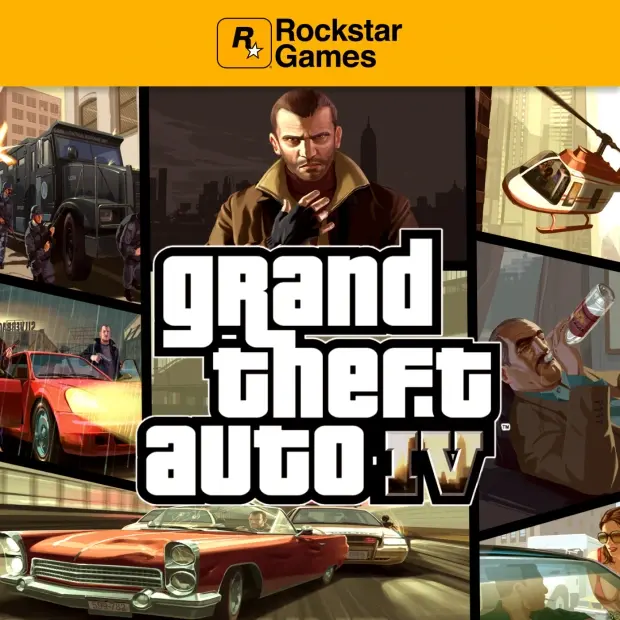
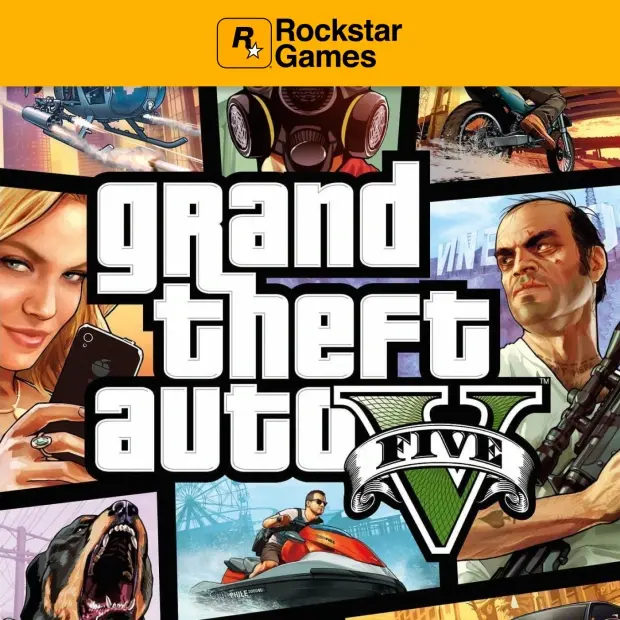
The Rockstar Games category covers digital game options that can vary based on the company's games, different platforms, and existing product structure. Depending on the information provided on the product page, you may come across CD-Keys, Game Keys, digital codes, or activation options specific to platforms.
- Digital product options for Rockstar Games
- Game codes for PC and supported platforms
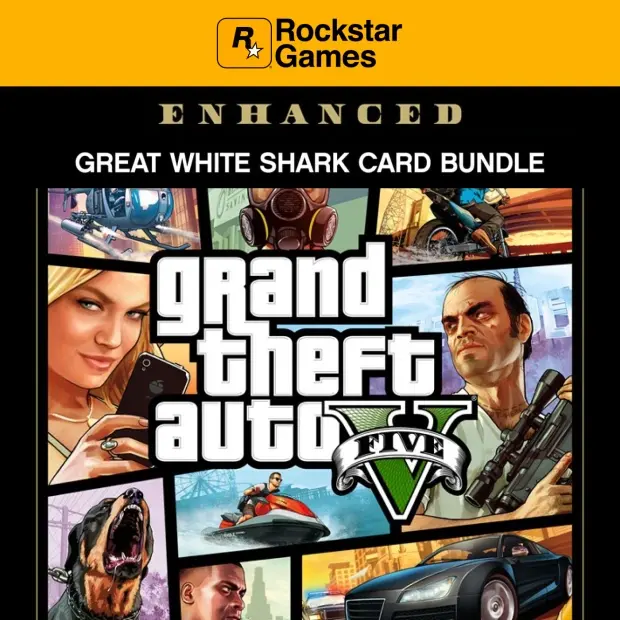
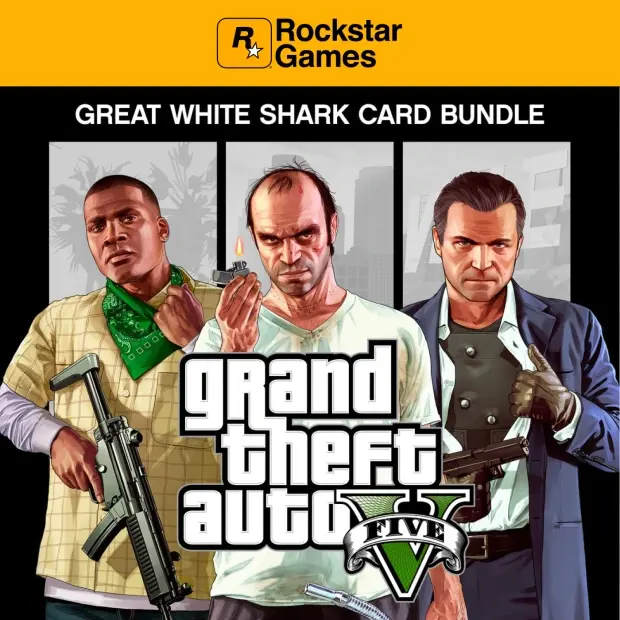
- Product pages that may contain standard, special edition, or additional content
- Digital game products specified with platform, region, and activation information
- Options to expand your game library without waiting for physical delivery
Who Are Rockstar Games Titles Suitable For?
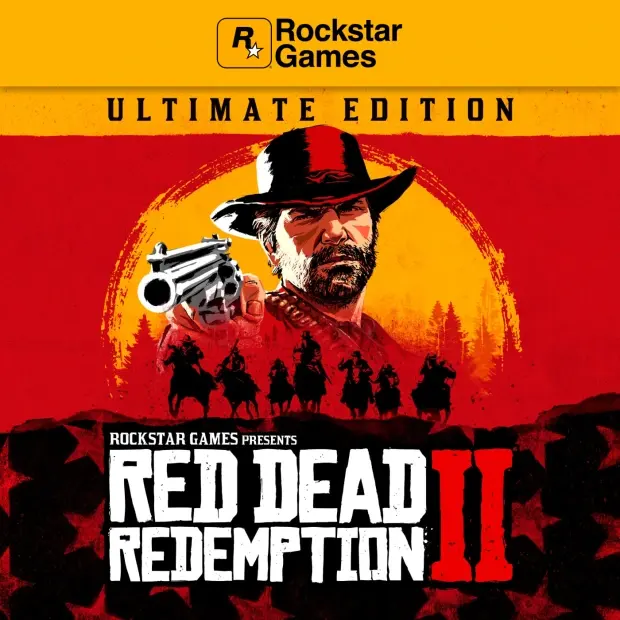
Rockstar Games titles generally appeal to players who enjoy exploring vast maps, immersing in storytelling, progressing through missions, and feeling strong atmospheric vibes. If city life, crime themes, Western atmospheres, character conflicts, or open-world freedom catch your interest, this category might be one of the right starting points for you.
Each game may have a different pace, genre, and gameplay structure. Therefore, when making a choice, it's important to check not only the game title but also the genre, platform, edition, and content details.
What Do CD-Keys and Digital Codes Mean?
CD-Key is a digital game code used to activate the relevant game or digital content on the specified platform. It focuses on a digital code structure instead of a physical box. When this structure matches the correct platform and region information, it can make the process of adding the game to your library more convenient.
Not every product in the Rockstar Games category may have the same activation method. Some products may be tied to the PC platform, some to specific stores or client systems, and some to different regional conditions. For the most accurate information, you should review the platform, activation, and region descriptions on the product page.
Category Advantages
- Digital product focus: You make choices based on game codes and digital activation logic rather than physical boxes.
- Platform clarity: By checking the platform information stated on the product page, you can reduce the risk of getting the wrong version.
- Edition comparison: You can evaluate products containing standard, special, or additional content based on their details.
- Game library management: You can explore suitable product options to add Rockstar Games to your digital library.
- Pre-purchase check: By seeing region, activation, and version details, you can make a more informed decision.
What to Consider Before Making a Purchase
When choosing a product in the Rockstar Games category, first check the platform information. Products offered for PC, console, or a specific store client may differ from each other. Choosing the wrong platform could result in being unable to use the code.
- Check which platform the product is valid for.
- Review regional restrictions or country compatibility information.
- Verify the edition name and content scope from the product page.
- Ensure that the activation method is suitable for you.
- Check if the main game is required for DLC or additional content products.
- Read refund, delivery, and usage notes before making a purchase.
Make Your Rockstar Games Choice Easier
This category allows you to evaluate both the game atmosphere and digital code details when exploring Rockstar Games titles. By checking the right platform, region, and the edition you need, you can make a clearer choice for your game library.