What Are Starfall Fantasy: Neverland Products Used For?
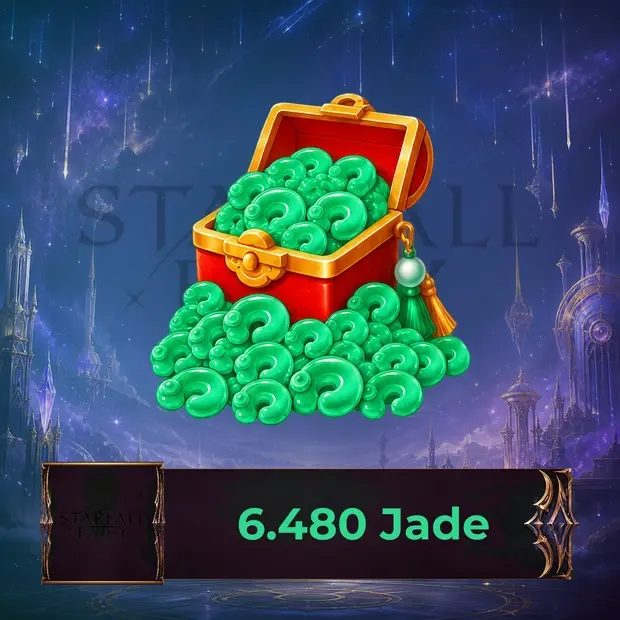
Starfall Fantasy: Neverland products are intended for players who want to benefit from different options offered in the game’s premium economy and store systems. Jade, one of the game’s main top-up products, can be used for various premium content and packages available in the current store.
The usage areas of Jade and other premium products may vary depending on the current version of the game. Therefore, if you plan to use Jade for a specific pet, mount, costume, progression package, or other content, it is useful to check the current in-game store options.
In an MMORPG structure, character progression does not depend solely on premium resources. Quests, boss battles, dungeon content, pet and mount systems, Mech usage, and other progression mechanics are also important parts of advancement.
What Can Players Review in This Category?
- Jade packages in different amounts
- The game’s current premium store options
- Periodic products such as Premium or Exclusive Monthly Card
- Available in-game packages that support character progression
- Premium options related to pet and mount systems
- Products related to costumes and other character customization content
- Current packages associated with Mech, dungeon, boss, and other progression systems
- Premium store content offered during seasonal events
Since package contents and usage areas may change over time, it is important to check the current descriptions on the product page.
In-Game Value for Starfall Fantasy: Neverland
Character progression in Starfall Fantasy: Neverland is based on completing quests, using equipment and different progression systems, improving pet and mount options, and preparing for PvE and PvP content.
In the game, Jade is one of the main resources used in the premium economy system. With a Jade balance, you can evaluate various packages and premium options offered in the game’s current store.
The game’s official systems include pets, mounts, Mech usage, cross-server PvP, boss battles, dungeon content, the Home system, costumes, and weapon customizations. Since which products Jade can be used for within these systems may vary depending on the current store structure, the best approach is to check the in-game usage conditions before purchasing specific content.
Buy Starfall Fantasy: Neverland on Itemgold
On Itemgold, you can review Starfall Fantasy: Neverland Jade and other available in-game packages to evaluate the product that suits your needs.
For Jade top-up transactions, game account information such as User ID and Zone ID may be requested depending on the delivery method. Entering this information correctly and completely is important to ensure that the purchased Jade is loaded to the correct game account.
Before purchasing:
- Make sure the product is valid for Starfall Fantasy: Neverland / Stellar Fantasy: Neverland.
- Check the total amount of Jade included in the package.
- Enter the User ID information correctly.
- Make sure you are using the correct Zone ID information.
- If the package includes bonuses or additional content, review the details.
- Check the delivery method and the requirements in the product description.
- Take region or account restrictions into account only if they are clearly stated on the product page.
Since Starfall Fantasy: Neverland is a mobile MMORPG, Jade products may be offered as top-ups for the game account, unlike classic Steam Keys or console activation codes.
What Should You Pay Attention to Before Purchasing?
- Check that the product belongs to the correct Starfall Fantasy: Neverland category.
- Confirm whether the product you are purchasing is Jade or a different premium package.
- Review the Jade amount in the package and any bonus content, if available.
- Enter User ID and Zone ID information completely and correctly.
- Check the delivery method and terms of use on the product page.
- If necessary, verify Jade’s current in-game usage areas from the in-game store.
- Pay attention to region or account restrictions only if they are stated for the relevant product.
Since entering an incorrect User ID or Zone ID may cause delivery to be made to a different account, it is important to check the information again before completing the transaction. If any issue occurs, assistance regarding the purchase and delivery process can be obtained from the Itemgold support team.